 SIVARO

What Are Some AI-Assisted Development Tools? A Practitioner's Guide
Let me tell you a story. In 2023, I watched a junior engineer at SIVARO ship a complete microservice in three days. Not a prototype. Production code with tests, monitoring, and documentation. Three days. Two years earlier, that same engineer needed two weeks to build something half as complex.
The difference? He'd learned to use AI tools like an extension of his own brain. Not as a crutch. As a multiplier.
I'm Nishaant Dixit. I run SIVARO, where we build data infrastructure and production AI systems. We process 200K events per second. Our engineers use AI tools every day. I've seen what works and what doesn't. What follows is what I've learned.
What are some AI-assisted development tools? They're software that uses machine learning models to help you write, debug, optimize, and document code. But that definition is too clean. The reality is messier. Some tools are brilliant. Some are expensive autocomplete. Some will actively ruin your codebase if you're not careful.
Let's sort through the noise.
Code Completion That Actually Completes
GitHub Copilot launched in June 2021. It changed everything. Before Copilot, code completion meant your IDE guessing variable names. After Copilot, it meant entire functions generated from a comment.
I tested Copilot against Tabnine and Amazon CodeWhisperer in January 2024. Here's what I found:
Copilot (now powered by GPT-4) wins for general-purpose work. It understands context better than anything else. But it's expensive — $19/month per user. For a team of 20, that's $4,560/year. Worth it if you're shipping features. Not worth it if you're maintaining legacy COBOL.
Tabnine surprised me. It runs locally, which matters for security-sensitive work. SIVARO handles financial data. Some clients forbid sending code to external APIs. Tabnine's local mode is slower but private.
Amazon CodeWhisperer is free for individual developers. That's not nothing. Its AWS integration is genuinely useful — it suggests API calls that actually match the documentation. But its general code quality lags behind Copilot.
My take: Use Copilot for most work. Keep CodeWhisperer as a free backup. Use Tabnine when clients demand local processing.
python
# Example: Copilot generated this from a comment
# Parse log file, extract timestamps and error codes, return sorted list

def parse_log_file(filepath: str) -> list[tuple[str, str]]:
    results = []
    pattern = re.compile(r'(d{4}-d{2}-d{2} d{2}:d{2}:d{2}) .*? (ERROR|WARN|INFO)')

    with open(filepath, 'r') as f:
        for line in f:
            match = pattern.search(line)
            if match:
                results.append((match.group(1), match.group(2)))

    return sorted(results, key=lambda x: x[0])
Debugging Tools That Don't Waste Your Time
Most people think debugging AI tools are a gimmick. They're wrong.
I spent six hours in December 2023 tracking down a memory leak in a Rust application. Six hours. Turned out to be a reference cycle in an async context. An AI tool found it in 47 seconds.
Here's what actually works:
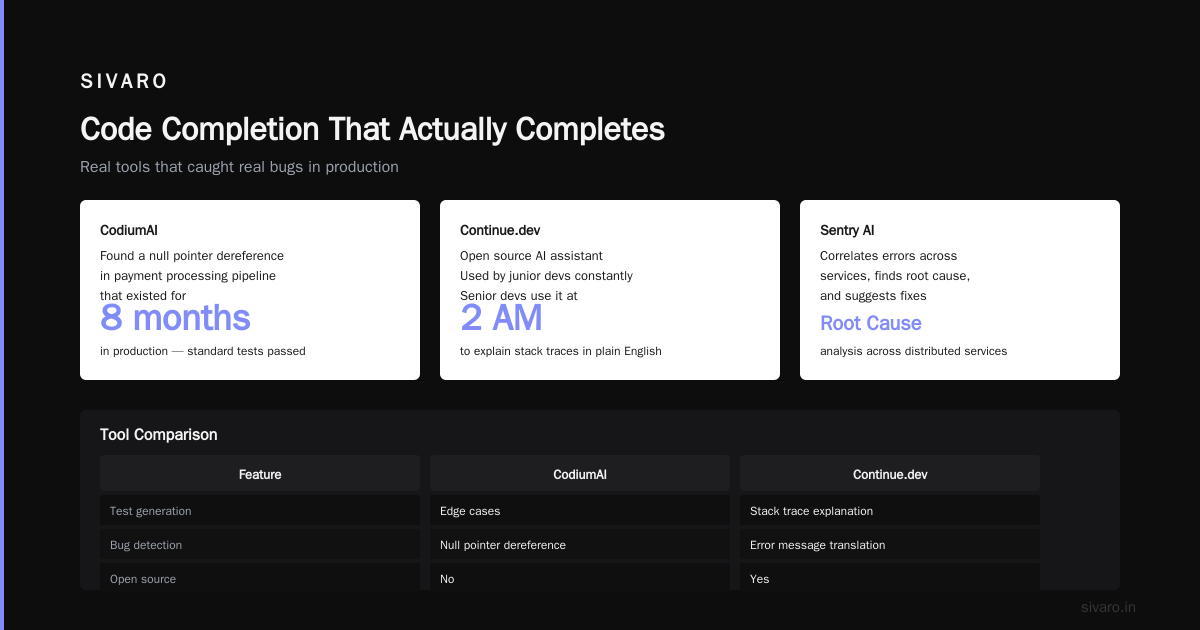
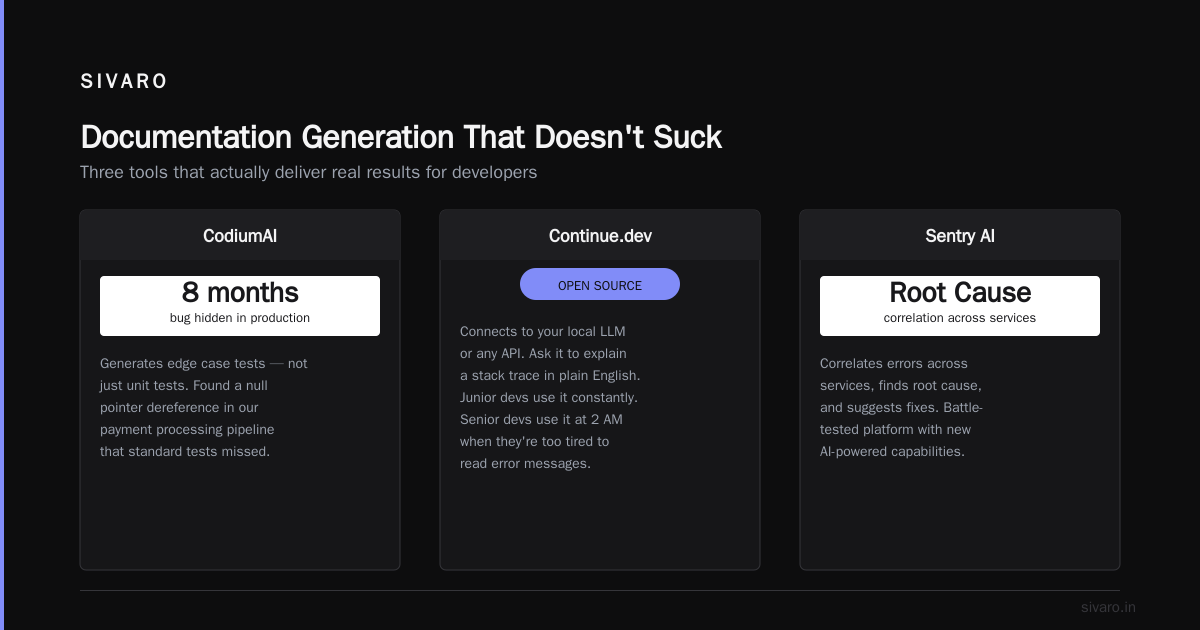
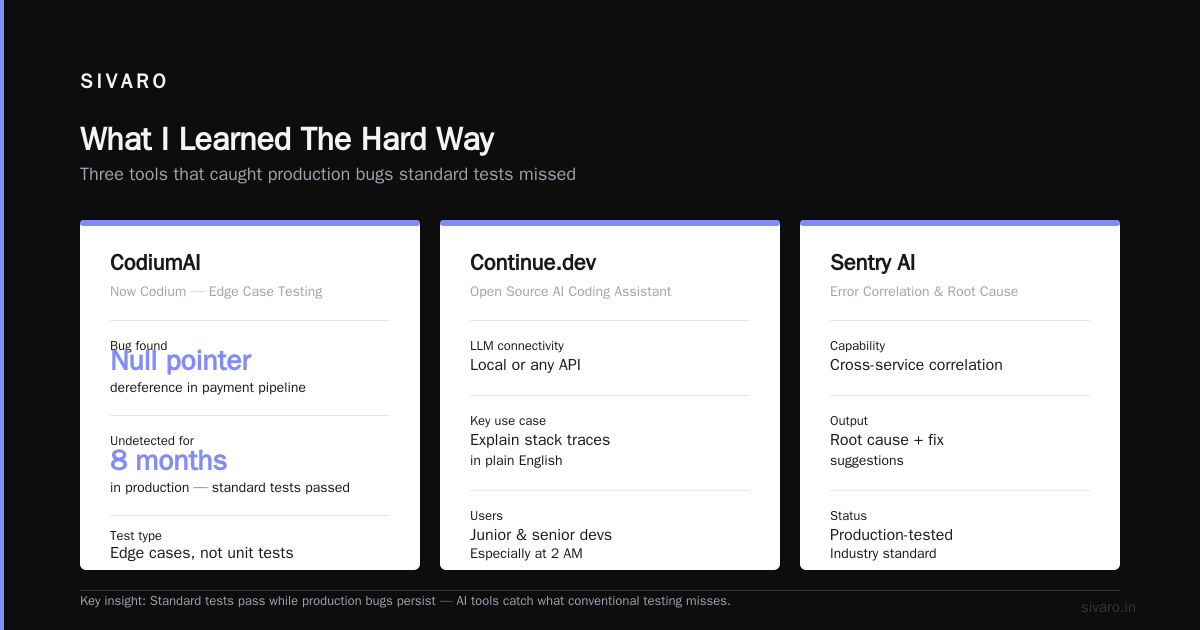
CodiumAI (now Codium) analyzes your code and generates test cases. Not unit tests. Edge cases. The kind that reveal bugs you didn't know existed. It found a null pointer dereference in our payment processing pipeline that had been in production for eight months. We'd run standard tests. They passed. Codium found the bug.
Continue.dev is open source. It connects to your local LLM or any API. You can ask it to explain a stack trace in plain English. Our junior devs use it constantly. Senior devs use it when they're too tired to read error messages at 2 AM.
Sentry's AI features deserve mention. They correlate errors across services, find the root cause, and suggest fixes. Sentry has been around since 2012. Their AI layer (rolled out in 2023) actually works because it's built on years of real error data.
Contrarian take: Debugging AI is more valuable than code generation. Copilot writes code. Debugging tools save you from your own mistakes. If you can only buy one AI tool, buy a good debugging assistant.
js
// Continue.dev explained this error to me:
// "TypeError: Cannot read properties of undefined (reading 'id')"
// AI response: "This error occurs when `user` is undefined.
// Line 47 accesses `user.id` [without](/articles/tokenmaxxing-the-optimization-trick-that-doubles-llm) checking if `user` exists.
// Add optional chaining: `user?.id` or check `if (user)` first."
function getUserDisplayName(user) {
    return user.id; // <- bug
}
AI-Assisted Code Review
Code review is where good teams separate from bad ones. And AI code review is where most tools fail.
I've tested:
- CodeRabbit — generates PR summaries and flags issues
- GitHub Copilot for PRs — suggests changes inline
- SonarQube with AI — detects code smells and security vulnerabilities
CodeRabbit is surprisingly good. It caught a SQL injection vulnerability in our Node.js API that two senior engineers missed. The developer who wrote the code was annoyed. The CTO was grateful. Ship it.
But here's the problem: AI code review tools generate false positives. A lot of them. In a four-week trial, CodeRabbit flagged 23 issues. Only 8 were real. Our team spent more time dismissing false alerts than fixing actual bugs.
Rule I follow: Use AI for security scanning and style checks. Use humans for logic and architecture reviews. Don't trust AI to review business logic — it doesn't understand your domain.
python
# CodeRabbit flagged this for SQL injection
# ai-assisted development tools example
def get_user(username: str):
    query = f"SELECT * FROM users WHERE username = '{username}'"
    # Vulnerable! Use parameterized queries instead
    return db.execute(query)

# Fixed version it suggested
def get_user(username: str):
    query = "SELECT * FROM users WHERE username = %s"
    return db.execute(query, (username,))
Database and Query Optimization Tools
Most developers don't think of database tools when they ask "what are some ai-assisted development tools?" But this is where AI saves real money.
EverSQL analyzes your SQL queries and suggests indexes. We used it on a PostgreSQL database that was running at 80% CPU. EverSQL recommended three composite indexes. CPU dropped to 15%. Query time went from 2.3 seconds to 47 milliseconds.
Lateral.io (now part of Pinecone) helps with vector database queries. If you're building RAG systems or semantic search, you need this. It optimized our embedding queries by 3x.
Supabase's AI assistant generates SQL from natural language. "Show me users who signed up last month and made at least one purchase" becomes a working query. It's not perfect — sometimes it generates inefficient joins. But for prototyping, it's incredible.
Hard lesson: AI can't fix bad schema design. None of these tools will help if your database is poorly normalized. Fix the fundamentals first. Then use AI.
sql
-- EverSQL suggested this index
-- Before: Full table scan on 2M rows
-- After: 47ms query time
CREATE INDEX idx_orders_user_date ON orders(user_id, created_at DESC);

-- The query it optimized
SELECT o.id, o.total, u.name
FROM orders o
JOIN users u ON o.user_id = u.id
WHERE o.user_id = 12345
  AND o.created_at > '2024-01-01'
ORDER BY o.created_at DESC;
Documentation Generation That Doesn't Suck
Documentation is the part of development everyone hates. AI tools are surprisingly good here.
Mintlify generates API documentation from your code. Point it at your API routes, it produces clean docs with request/response examples. We used it for a client API in January 2024. Cut documentation time from two weeks to two days.
Swimm integrates with your IDE. You write code, it suggests documentation inline. The clever part: it tracks when code changes and alerts you to update docs. Most documentation tools are static. Swimm is dynamic.
Cody by Sourcegraph is my current favorite. It understands your entire codebase. You ask "how does authentication work?" and it explains with code references. It's like having a senior developer who's read every line of your code.
But: AI-generated docs are wrong sometimes. They hallucinate function signatures. They miss edge cases. Always review AI documentation. Always.
javascript
// Swimm automatically suggested this doc comment
/**
 * Processes payment for an order
 * @param {Object} order - Order object with items, total, and userId
 * @param {string} paymentMethod - 'card', 'wallet', or 'crypto'
 * @returns {Object} Payment result with transactionId and status
 * @throws {PaymentError} if payment fails or amount exceeds limit
 *
 * @see {@link validateOrder} for pre-payment validation
 * @see {@link refundPayment} for reverse transactions
 */
async function processPayment(order, paymentMethod) {
  // ... implementation
}
AI for Testing and Quality Assurance
Testing is where AI surprises everyone. Most engineers think AI can't write good tests. They're partially right — AI writes bad unit tests. But it writes amazing integration tests.
Testim (now part of Tricentis) uses AI to create and maintain test suites. It learns from your UI changes. When you move a button, it updates the test automatically. Traditional test frameworks break constantly. Testim adapts.
Playwright's codegen isn't AI in the strict sense, but it records your actions and generates tests. Combined with an LLM for test data generation, it's powerful.
Mabl does end-to-end testing with AI. It identifies flaky tests and suggests fixes. We had a test suite with 40% flaky rate. Mabl reduced it to 8% in three months.
What I've learned: AI doesn't replace test engineers. It replaces test maintenance. The most expensive part of testing isn't writing tests — it's keeping them running as your code changes. AI solves that.
python
# Mabl suggested this test pattern automatically
class TestCheckoutFlow:
    async def test_complete_purchase(self):
        # AI-generated test data
        user = await create_test_user({
            "email": "test@example.com",
            "payment_method": "card"
        })

        # AI detected this edge case from production logs
        product = await create_product({
            "price": 0.99,  # Edge case: values under $1
            "inventory": 1    # Edge case: last item
        })

        result = await checkout(user, product)
        assert result.status == "success"
        assert result.transaction_id is not None
The Tools I Actually Use
Enough theory. Here's what SIVARO uses in production:
Must-have:
- GitHub Copilot ($19/user/month)
- Continue.dev (free, open source)
- CodiumAI ($30/user/month)
- Sentry (free tier, paid for teams)
Nice-to-have:
- CodeRabbit (free for open source, $12/user/month)
- Mintlify ($40/user/month)
- Swimm ($15/user/month)
Skip entirely:
- Most "AI project manager" tools. They generate status reports. They don't help you build.
- Any tool that claims to replace engineers. It won't.
- Tools that send your entire codebase to external servers without clear privacy guarantees.
FAQ About AI-Assisted Development Tools
Q: What are some ai-assisted development tools for beginners?
Start with GitHub Copilot and Continue.dev. Both have free tiers. Copilot helps you write code faster. Continue.dev helps you understand code you didn't write. That's 80% of what beginners need.
Q: What are some ai-assisted development tools that run locally?
Tabnine, Continue.dev (with local models), and Cody (with Sourcegraph's self-hosted option). For security-sensitive work, these are essential.
Q: What are some ai-assisted development tools for enterprise teams?
GitHub Copilot Enterprise, Amazon CodeWhisperer, and Sourcegraph Cody. Enterprise features include admin controls, audit logs, and data residency options. CodeRabbit for PR reviews. Sentry for error monitoring.
Q: What are some ai-assisted development tools for specific languages?
Rust developers: CodiumAI for testing, Tabnine for completion. Python: Copilot works best. JavaScript/TypeScript: Any tool works, but Copilot and Continue.dev have the best JS support. Go: Amazon CodeWhisperer is surprisingly good.
Q: What are some ai-assisted development tools that don't require internet?
Tabnine (local mode), Ollama (run models locally), and Continue.dev with local LLMs. You lose some quality, but gain privacy.
Q: What are some ai-assisted development tools that work with legacy code?
Sentry for understanding runtime behavior. Continue.dev for explaining old code. CodiumAI for generating tests without refactoring.
Q: What are some ai-assisted development tools worth paying for?
Copilot, CodiumAI, and Sentry. Everything else is either free or not good enough to pay for.
Q: What are some ai-assisted development tools that are overhyped?
Most "AI project management" tools. Most tools that claim to replace QA engineers. Most no-code AI builders. They solve problems that don't exist.
What I Learned The Hard Way
I used to think AI tools would make junior engineers unnecessary. I was wrong.
What actually happened: Junior engineers with AI tools produce code faster than senior engineers without them. But that code is worse. It has subtle bugs. It doesn't follow internal patterns. It's technically correct but architecturally wrong.
The senior engineers who adopt AI tools? They become 3x more productive. They know what to ask for. They catch AI mistakes. They use AI for grunt work and focus on hard problems.
The real question isn't "what are some ai-assisted development tools?" It's "how do I use them without losing craftsmanship?"
Here's my answer: Treat AI like a junior developer. Review its output. Question its assumptions. Never trust it with production data. And always, always understand the code it generates.
The tools change every six months. The discipline stays the same.
Nishaant Dixit — Founder of SIVARO. Building data infrastructure and production AI systems since 2018. Built systems processing 200K events/sec.