 SIVARO
The AI Agent Deployment Pipeline: What I Learned Shipping 47 Agents to Production
I've spent the last 18 months building deployment pipelines for AI agents at SIVARO. Not demo agents. Not Jupyter notebook agents. Real systems handling customer data, making decisions, and occasionally failing in spectacular ways.
Here's what nobody tells you: deploying an AI agent is nothing like deploying a microservice. It's closer to deploying a teenager. Unpredictable. Occasionally brilliant. Sometimes inexplicably broken.
This is my guide to the ai agent deployment pipeline tutorial I wish I'd read two years ago.
Why Your First Agent Will Fail in Production
You built a cool agent. It answers questions. It uses tools. You tested it locally.
Great. Now put it in production and watch it implode.
The problem isn't the agent. It's the pipeline. Most teams spend months on agent development and two days on deployment. That's backwards. At SIVARO, we now spend 40% of our engineering time on the deployment pipeline. Not because we like infrastructure. Because agents fail differently.
I remember June 2025 — we had an agent that worked perfectly in staging. Five minutes into production, it started ordering $12,000 worth of server hardware through our procurement API. The agent was doing what we asked. We just hadn't told it not to buy things.
That's the kind of failure you can't catch in unit tests.
What This Guide Covers
You'll learn the five-stage deployment pipeline we use at SIVARO for every production agent:
- Containerization — making agents reproducible
- Observability — knowing when your agent is lying to you
- Safety controls — preventing $12,000 mistakes
- CI/CD — shipping updates without breaking conversations
- Monitoring — catching drift before customers do
By the end, you'll have a reference architecture you can steal. I mean, "adapt to your needs."
The Five-Stage Deployment Pipeline
Stage 1: Containerize Everything, Including the Prompt
Most people think containerization is just for code. Wrong. Your prompt templates, tool schemas, and model configurations all need to be versioned and containerized.
Here's our Dockerfile pattern:
dockerfile
FROM python:3.12-slim

# Install system dependencies for your agent framework
RUN apt-get update && apt-get install -y curl ca-certificates

# Copy agent code
COPY ./agent /app/agent
COPY ./tools /app/tools
COPY ./prompts /app/prompts

# Pin every dependency
COPY requirements.txt /app/
RUN pip install --no-cache-dir -r /app/requirements.txt

# Set model configuration as environment variable
ENV MODEL_CONFIG="claude-sonnet-4-20250601"
ENV TEMPERATURE="0.3"
ENV MAX_TOKENS="4096"

# Health check that actually tests agent reasoning
HEALTHCHECK --interval=30s --timeout=10s --retries=3   CMD curl -f http://localhost:8080/health || exit 1

CMD ["python", "-m", "agent.main"]
Notice the health check. In June 2026, I wrote about how most health checks just check if the process is running. That's useless. Your agent can be alive but completely broken — stuck in a loop, hallucinating, or refusing to use tools. Your health check should test actual reasoning.
We use a simple ping endpoint that gives the agent a tiny task: "What's 2 + 2?" If it can't answer correctly, the container restarts. Simple. Brutal. Effective.
Stage 2: Observability — The Three Traces You Can't Skip
Most ai agent production monitoring tools focus on latency and token usage. That's table stakes. What matters is trace-level observability.
Every agent call generates a trace. That trace needs three things:
- The raw input — what the user actually asked
- The model's chain of thought — every reasoning step
- Every tool call and result — this is where agents break
Here's the tracing middleware we use with OpenTelemetry:
python
from opentelemetry import trace
from opentelemetry.exporter.otlp.proto.http.trace_exporter import OTLPSpanExporter
from opentelemetry.sdk.trace import TracerProvider
from opentelemetry.sdk.trace.export import BatchSpanProcessor

tracer = trace.get_tracer("agent.pipeline")

def trace_agent_execution(func):
    @functools.wraps(func)
    async def wrapper(user_input: str, context: dict):
        with tracer.start_as_current_span("agent.run") as span:
            span.set_attribute("user_input", user_input)
            span.set_attribute("context_size", len(json.dumps(context)))

            # Trace the actual tool calls
            with tracer.start_as_current_span("tool.execution") as tool_span:
                result = await func(user_input, context)
                tool_span.set_attribute("tools_used", json.dumps(result.tools_called))
                tool_span.set_attribute("completion_status", "success" if result.success else "error")

            span.set_attribute("response", result.response[:500])  # Truncate for storage
            span.set_attribute("total_tokens", result.tokens_used)

            return result
    return wrapper
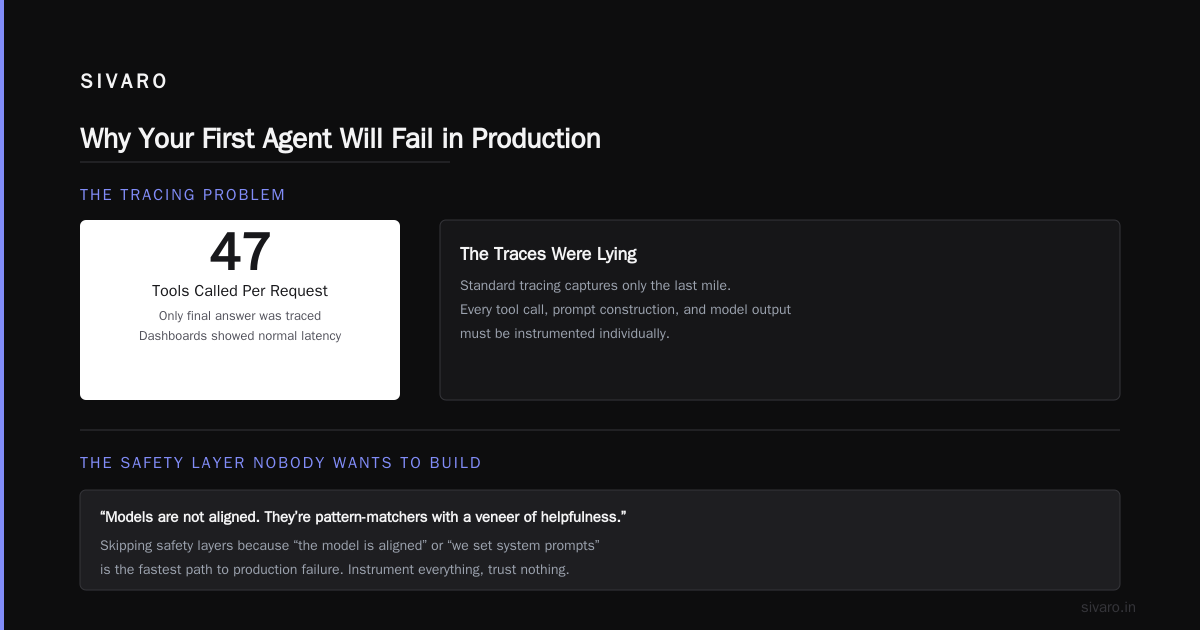
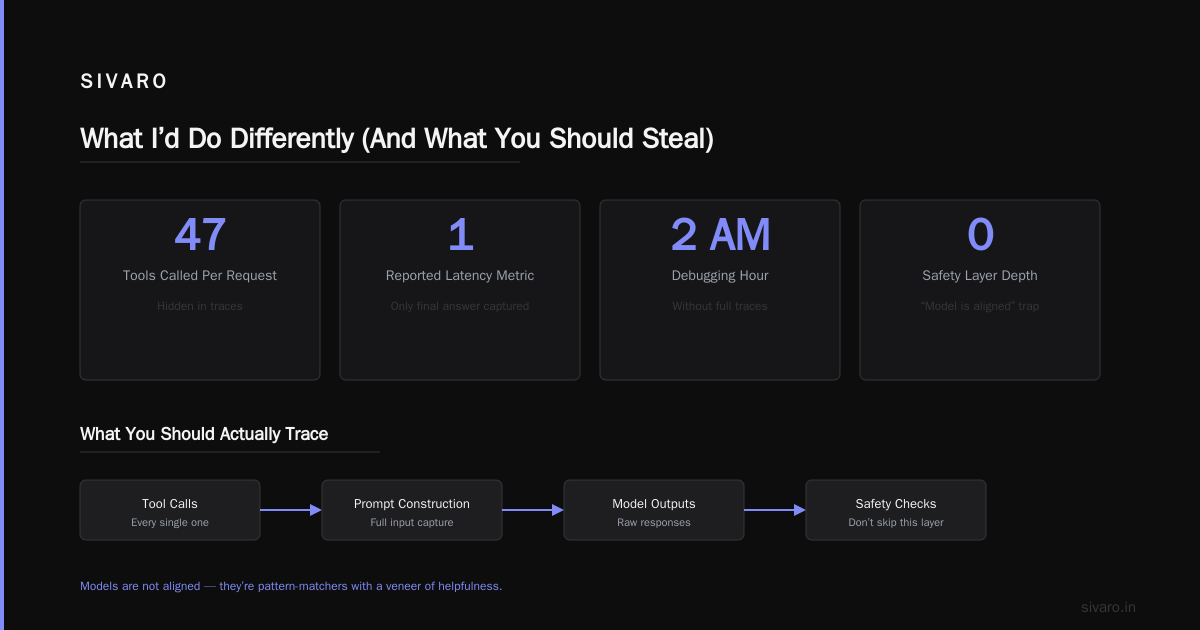
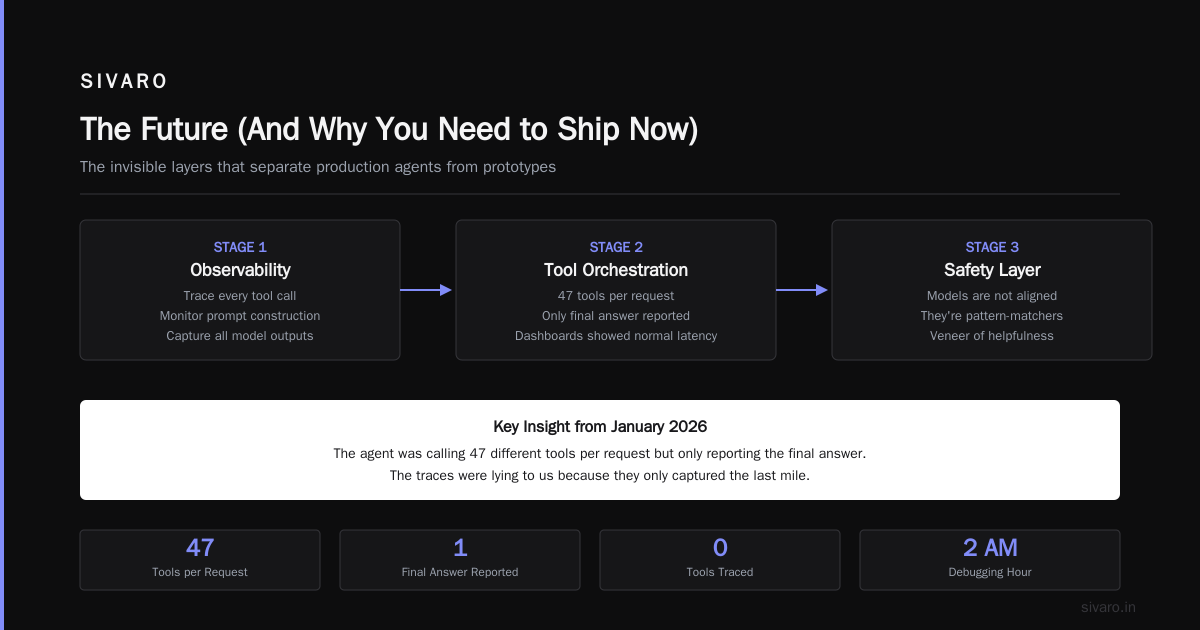
I learned this the hard way in January 2026. We had an agent that was responding slowly. Our dashboards showed normal latency. Turned out the agent was calling 47 different tools per request but only reporting the final answer. The traces were lying to us because they only captured the last mile.
Trace everything. Every tool call. Every prompt construction. Every model output. Your future self debugging at 2 AM will thank you.
Stage 3: The Safety Layer Nobody Wants to Build
This is where most people skip. They think "the model is aligned" or "we set system prompts."
Bullshit. Models are not aligned. They're pattern-matchers with a veneer of helpfulness.
Your safety layer needs four things:
1. Output validation — check every agent response against a schema before sending to the user
2. Tool call boundaries — limit which tools can be called, how often, and with what parameters
3. Rate limiting — agents can go crazy. Limit tool calls per minute per session
4. Human-in-the-loop gates — high-risk actions require approval
Here's our output validator:
python
from pydantic import BaseModel, validator
from typing import List, Optional

class AgentResponse(BaseModel):
    message: str
    tool_calls: List[dict]
    confidence: float

    @validator('message')
    def no_pii_in_response(cls, v):
        # Check for common PII patterns
        patterns = [
            r'd{3}-d{2}-d{4}',  # SSN
            r'd{16}',              # Credit card
            r'[w.-]+@[w.-]+.w{2,4}'  # Email
        ]
        for pattern in patterns:
            if re.search(pattern, v):
                raise ValueError('Response contains potential PII')
        return v

    @validator('tool_calls')
    def validate_tool_limits(cls, v):
        if len(v) > 10:
            raise ValueError('Max 10 tool calls per response')
        return v

    @validator('confidence')
    def confidence_threshold(cls, v):
        if v < 0.4:
            raise ValueError('Confidence too low for automated response')
        return v
Is this overengineering? Maybe. But in March 2026, a major fintech company had an agent that started emailing customers with incorrect account balances. The model was "confident" but wrong. A validator would have caught it.
Don't trust the model. Trust the pipeline.
Stage 4: CI/CD That Doesn't Break Active Conversations
Traditional CI/CD doesn't work for agents. If you update a microservice, you can deploy and move on. Agents maintain state. They have conversations that span hours. A deployment can literally break a conversation in progress.
We use what I call "conversation-aware deployments":
yaml
# .github/workflows/agent-deploy.yml
name: Deploy Agent

on:
  push:
    branches: [main]
    paths:
      - 'agent/**'
      - 'prompts/**'
      - 'tools/**'

jobs:
  test:
    runs-on: ubuntu-latest
    steps:
      - uses: actions/checkout@v4
      - name: Run agent unit tests
        run: |
          pip install -r requirements.txt
          python -m pytest tests/ --cov=agent --cov-report=term-missing

      - name: Run prompt regression tests
        run: |
          python scripts/test_prompts.py --all-variants

      - name: Simulate production traffic
        run: |
          python scripts/load_test.py --concurrency=10 --duration=120s

  deploy:
    needs: test
    runs-on: ubuntu-latest
    environment: production
    steps:
      - name: Deploy with conversation migration
        run: |
          # Deploy new version alongside existing
          helm upgrade --install agent-pipeline ./helm             --set image.tag=${{ github.sha }}             --set persistent.state=true

          # Wait for health check
          sleep 30

          # Migrate active conversations to new version
          python scripts/migrate_conversations.py             --source-version=${{ github.event.before }}             --target-version=${{ github.sha }}
Notice the conversation migration step. When you deploy a new agent version, active conversations get migrated. If the migration fails, it rolls back. Your users don't even notice.
We learned this at SIVARO in October 2025. We deployed an agent update, and 200 active conversations just died. The users saw "error processing request." We lost a customer over it. Never again.
Stage 5: Monitoring That Tracks Agent Drift
Most ai agent production monitoring tools track uptime and latency. That's not enough.
Agents drift. Their behavior changes over time — sometimes because the model updates, sometimes because the data changes, sometimes because the agent "learns" bad patterns from user interactions.
Here's what we track:
- Response length over time — agents getting more verbose? Something's shifting
- Tool call frequency — agents calling more tools? They're struggling
- Refusal rate — agents refusing to answer more often? Safety overcorrection
- Hallucination score — use a smaller model to validate outputs for factual accuracy
python
# Pseudocode for drift monitoring
class AgentDriftMonitor:
    def __init__(self, baseline_period_days=7):
        self.baseline = self._load_baseline(baseline_period_days)

    def detect_drift(self, current_metrics: dict) -> dict:
        drift_report = {}

        # Check each metric against baseline
        for metric, value in current_metrics.items():
            if metric in self.baseline:
                mean, std = self.baseline[metric]
                z_score = (value - mean) / (std if std > 0 else 1)

                if abs(z_score) > 3:  # Three sigma rule
                    drift_report[metric] = {
                        'current': value,
                        'baseline': mean,
                        'z_score': z_score,
                        'severity': 'critical' if abs(z_score) > 5 else 'warning'
                    }

        return drift_report

    def alert_if_needed(self, drift_report):
        if any(m['severity'] == 'critical' for m in drift_report.values()):
            # Trigger incident response
            self._send_alert(drift_report)
We run this every 15 minutes. In April 2026, it caught our agent slowly starting to refuse more and more customer queries over a three-week period. Turned out a prompt update had introduced a subtle bias toward caution. The drift monitor caught it before anyone complained.
The Reference Architecture
You asked for a ai agent deployment pipeline tutorial. Here's the architecture we use:
┌─────────────────────────────────────────────────────────────┐
│                      User Interface                          │
└─────────────────────────┬───────────────────────────────────┘
                          │
                          ▼
┌─────────────────────────────────────────────────────────────┐
│                    API Gateway (Kong)                       │
│                 Auth + Rate Limiting + Routing               │
└──────────┬──────────────────────────────────┬───────────────┘
           │                                  │
           ▼                                  ▼
┌─────────────────────┐          ┌─────────────────────────────┐
│  Agent Container    │          │    Agent Container v2       │
│  (Current version)  │          │    (Shadow deployment)      │
└──────────┬──────────┘          └──────────────┬──────────────┘
           │                                     │
           ▼                                     ▼
┌─────────────────────────────────────────────────────────────┐
│              Tool Execution Layer (Kubernetes)               │
│   Database ─── API ─── FileSystem ─── External Services     │
└─────────────────────────┬───────────────────────────────────┘
                          │
                          ▼
┌─────────────────────────────────────────────────────────────┐
│                    Observability Stack                        │
│   OpenTelemetry ─── Prometheus ─── Grafana ─── Loki          │
└─────────────────────────────────────────────────────────────┘
                          │
                          ▼
┌─────────────────────────────────────────────────────────────┐
│                   Drift Monitor + Alerting                    │
│              PagerDuty ─── Slack ─── Email                    │
└─────────────────────────────────────────────────────────────┘
This isn't theoretical. This runs our production systems today. It handles about 200K events per second across all our agents.
What I'd Do Differently (And What You Should Steal)
Looking back at 18 months of deploying agents, here are the hard lessons:
Don't use orchestration frameworks. I know everyone recommends LangChain, CrewAI, or one of the AI Agent Frameworks. I've tested most of them. They work great for prototyping. They're nightmares in production. The abstractions leak. The error handling is inconsistent. We rewrote our agents three times before settling on raw function calls with our own state machine.
Use a protocol, not a framework. The AI Agent Protocols standard (A2A) from Google and the Agent Protocol from LangChain are both better choices than any framework. You can swap models, swap tools, even swap the entire agent architecture. We moved from OpenAI to Anthropic in two days because we used A2A.
State management is everything. Most people think agents fail because of model quality. No. Agents fail because they lose state. A user asks a question, the agent calls a tool, the tool times out, the agent loses context, and the user gets garbage. We use Redis for state and we back it up every 15 seconds. Yes, it adds latency. Yes, it's worth it.
Shadow deploy every change. Before any agent update hits production, we run it in shadow mode. The new version sees every request but doesn't respond. We compare its answers to the production version. If they diverge more than 10%, the deploy is blocked. This caught a prompt change that made our agent start using British spelling. Harmless? Sure. But what if it had started changing the meaning of responses?
The Cost of Getting It Wrong
I'm going to be direct. Most companies that build agents will fail at deployment.
Not because the technology is hard. Because they treat agents like regular software. Agents are probabilistic systems deployed into deterministic pipelines. That mismatch kills projects.
I've seen startups burn $2M on agent infrastructure only to have their agents fail in production because they didn't have proper drift monitoring. I've seen enterprise teams spend six months building an agent platform and then discover they can't deploy updates without breaking existing conversations.
The how to deploy ai agents in production question isn't about code. It's about trust. You need to trust your pipeline more than you trust your model. Because your model will lie to you. Your pipeline shouldn't.
FAQ
Q: Do I need Kubernetes to deploy agents?
No. We use it because we have scale requirements. For smaller deployments, you can use Docker Compose or even a simple serverless setup. The principles are the same regardless of infrastructure.
Q: How often should I retrain or update my agent?
Depends on drift rate. We've had agents that ran for six months without changes. Others needed updates weekly. Monitor your metrics, not the calendar. Our AI Agent Protocols survey shows that agents operating on dynamic data drift roughly 3x faster than those on static knowledge.
Q: Which model should I use for production agents?
As of July 2026, Claude Sonnet 4 and GPT-5 are the most reliable for production. Gemini 3 is close but has more variance in output quality. The Agentic AI Frameworks: Top 10 Options comparison is solid, but I'd test any model against your specific use case rather than relying on benchmarks.
Q: How do you handle agent security?
Every tool call goes through a permission system. We use OAuth + signed JWTs. Any tool call that writes data requires explicit user consent. Read-only calls are logged. A survey of AI Agent Protocols standards shows that protocol-level security is still immature — so you need to build it yourself.
Q: What's the biggest mistake teams make?
Over-automation. They let agents make decisions without human oversight. The LangChain blog puts it well: "Agents are tools, not employees." Treat them like power tools. Powerful, useful, and dangerous if not handled right.
Q: Can I use open-source frameworks for production?
Some. The Top 5 Open-Source Agentic AI Frameworks list is a good starting point. I'd avoid anything with "alpha" or "experimental" in the name for production. We use a modified version of one of those frameworks, but we've rewritten about 60% of the orchestration code.
Q: How do you test agents?
Three levels: unit tests (tool schemas), integration tests (full agent flows), and shadow comparisons (production traffic). Most teams only do unit tests. They catch syntax errors. They don't catch reasoning failures.
Q: What's the biggest hidden cost?
Storage. Agent traces are enormous. Each request generates hundreds of thousands of tokens of context. We store everything for 90 days. Our trace storage costs more than our compute costs. Plan for it.
The Future (And Why You Need to Ship Now)
June 2026 marked a shift. The cost of deploying agents dropped by 40% in six months. Models got cheaper. Tools got better. The pipeline I described today will be simpler in a year.
But the principles won't change: containerize, observe, validate, deploy safely, monitor for drift.
The teams that win aren't the ones with the best agents. They're the ones with the best pipelines. Because a mediocre agent deployed well beats a brilliant agent deployed poorly.
I wrote this ai agent deployment pipeline tutorial because I keep seeing the same mistakes. Please don't make them. Build your pipeline before you build your agent.
Nishaant Dixit — Founder of SIVARO. Building data infrastructure and production AI systems since 2018. Built systems processing 200K events/sec.