 SIVARO

Kubernetes Is a Tool, Not a Religion
I'll say it bluntly: Kubernetes isn't dying. But the way most teams use it is killing their productivity and their budgets.
I'm Nishaant Dixit, founder of SIVARO. We build data infrastructure and production AI systems. Since 2018, I've watched the Kubernetes hype cycle go full circle — from "migrate everything" to "delete everything" to "wait, maybe we were the problem."
Today is July 17, 2026. The industry is at an inflection point. Companies are publicly announcing they're leaving Kubernetes (We're leaving Kubernetes). Others are cutting clusters by 70% and saving hundreds of thousands (I Deleted Kubernetes from 70% of Our Services in 2026). Engineering teams are burned out from managing YAML hell.
And yet — Kubernetes adoption keeps climbing. The contradiction isn't a paradox. It's a signal.
This guide is for the engineer who manages clusters, the VP who signs cloud bills, and the founder deciding if Kubernetes is right for their next product. I'll show you what works, what doesn't, and exactly where most teams go wrong.
What Kubernetes Actually Is (and Isn't)
Kubernetes is a container orchestration platform. That's it.
It schedules containers across machines, handles service discovery, manages scaling, and provides basic self-healing. Born from Google's Borg system, open-sourced in 2014, it became the default infrastructure layer for cloud-native applications.
Here's what Kubernetes is not:
- A magic cost-savings tool
- A solution for monoliths running on three VMs
- Free labor from the cloud fairy
If you're running five services behind an nginx reverse proxy on two servers, Kubernetes will make your life worse. Not better. I've seen teams spend three months migrating a Rails app only to discover they needed a dedicated SRE just to keep the cluster alive.
The Kubernetes Exodus: Why Teams Are Leaving
Let's talk about the elephant in the control plane.
In 2025 and 2026, we've seen high-profile exits. ONA Engineering published their experience leaving Kubernetes entirely (We're leaving Kubernetes). Their reasoning wasn't "Kubernetes is bad." It was "Kubernetes was wrong for our scale and complexity."
A major case study from early 2026 shows a company deleting Kubernetes from 70% of their services. They saved $416K annually. The engineers stopped quitting. (I Deleted Kubernetes from 70% of Our Services in 2026)
Why?
Three patterns emerge from every postmortem I've read:
Pattern 1: Overprovisioning
Teams deploy Kubernetes and think "now it's auto-scaling!" Then they set resource requests to 2x what the pod actually uses. They never right-size. They never audit. The cluster runs at 15% utilization but costs $40K/month.
Pattern 2: Complexity Spiral
You start with a simple Deployment. Then you need ConfigMaps. Then Secrets. Then an Ingress controller. Then cert-manager. Then a service mesh. Then an operator for the database. Then a custom operator for your internal tool.
Six months later, your Kubernetes setup has more moving parts than the application it runs.
Pattern 3: Cognitive Overhead
Every engineer now needs to understand pod lifecycle, liveness probes, readiness probes, affinity rules, taints, tolerations, PodDisruptionBudgets, and how to debug CrashLoopBackOff at 2 AM.
Your team stops shipping features. They start shipping YAML.
Why Companies Are Leaving Kubernetes? sums it up: the operational cost exceeds the operational benefit for teams that don't need Kubernetes-level abstraction.
Where Kubernetes Actually Shines
Most people think Kubernetes is for "scaling." They're wrong.
Kubernetes is for predictable deployment patterns across heterogeneous environments. It's for organizations running 30+ microservices with different release cycles. It's for teams that need to run multi-tenant workloads with strict resource isolation.
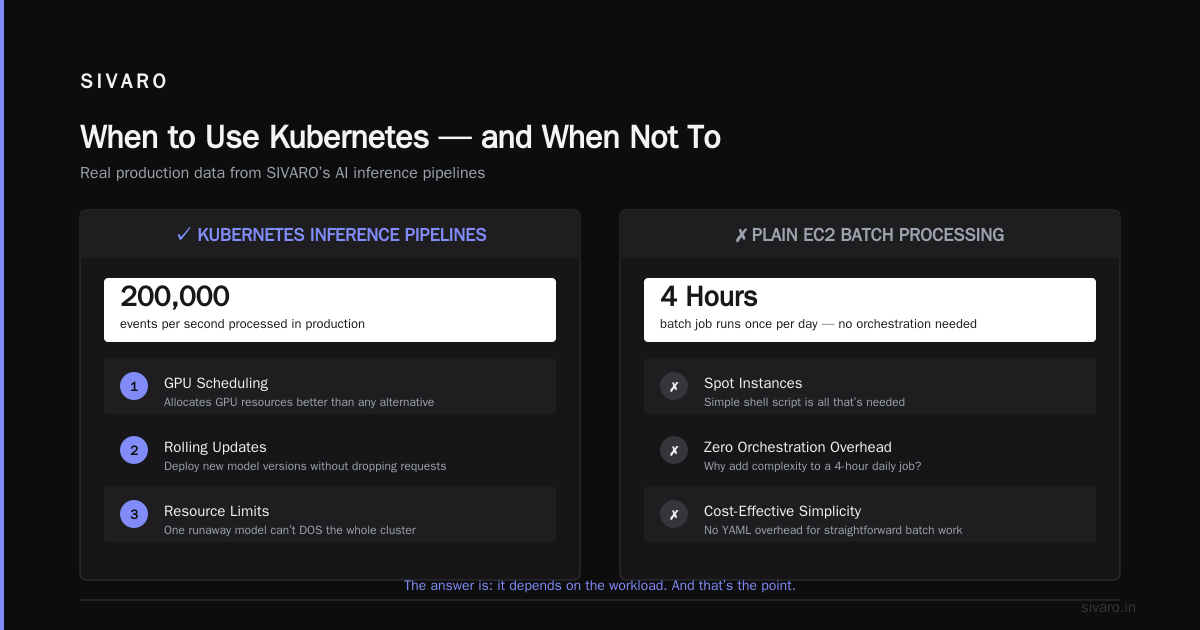
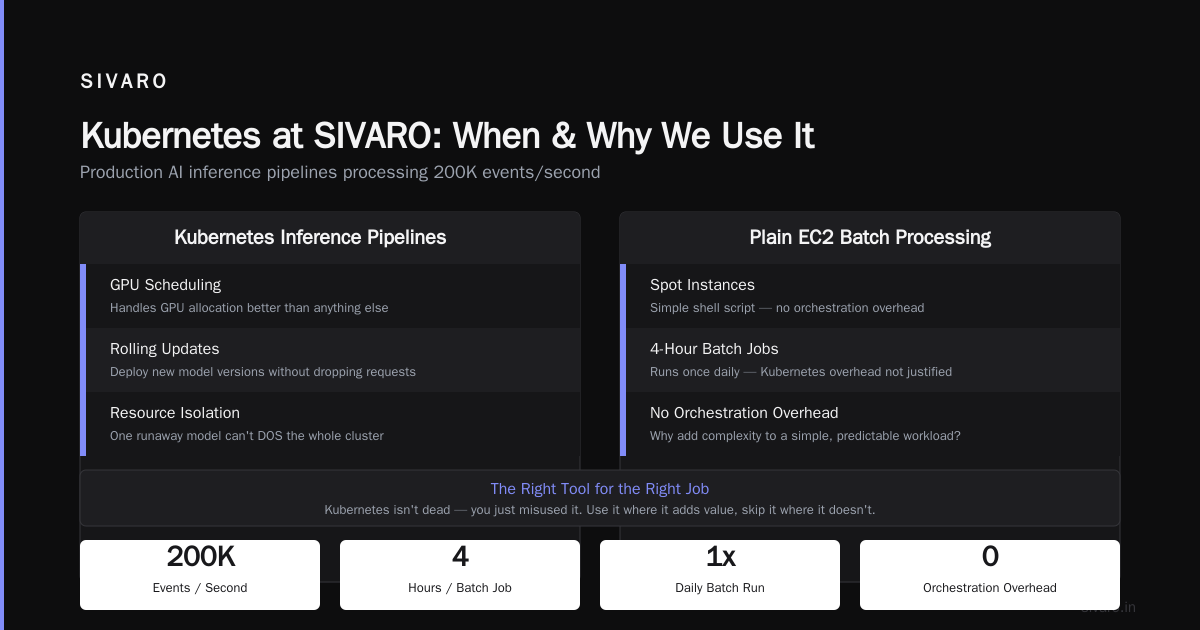
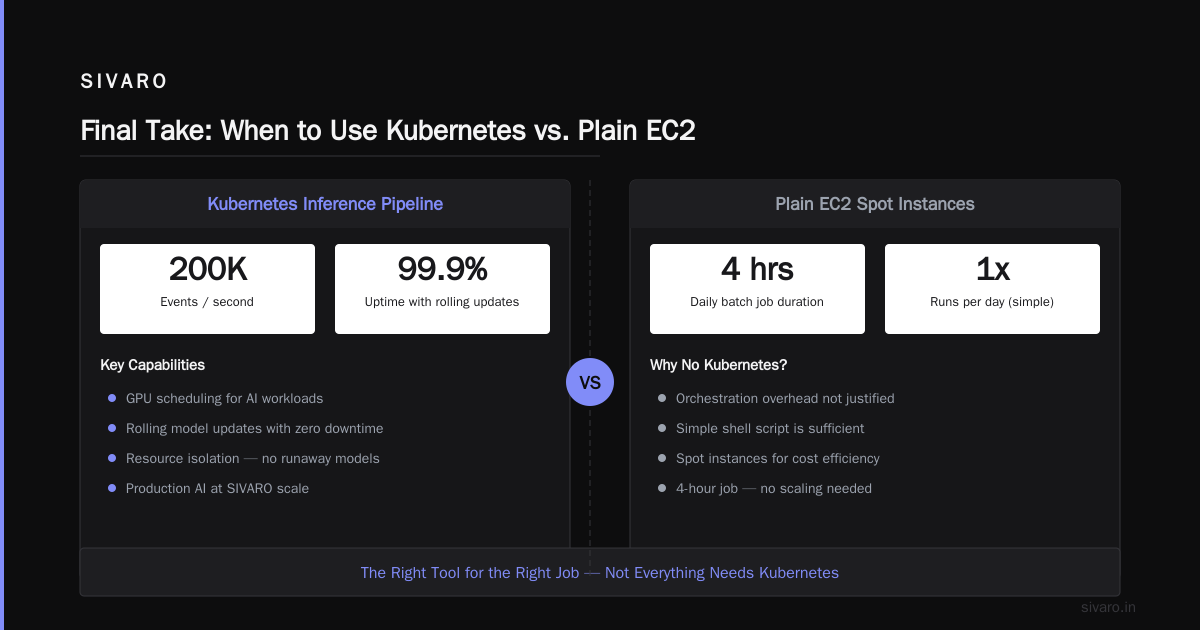
Case in point: At SIVARO, we run production AI systems that process 200K events per second. We use Kubernetes for our inference pipelines. Why?
- GPU scheduling — Kubernetes handles GPU allocation better than anything else
- Rolling updates — we can deploy new model versions without dropping requests
- Resource limits — one runaway model can't DOS the whole cluster
For our use case, Kubernetes is worth every line of YAML.
But here's the part nobody tells you: we also run plain EC2 instances for batch processing. Spot instances with a simple shell script. No Kubernetes. Why would we add orchestration overhead to a job that runs for four hours once a day?
The answer is we wouldn't. And that's the point.
The Cost Problem and How Karpenter Solves It
Let's talk money.
Kubernetes cost optimization is the #1 question I get from engineering leaders. Not "how do we scale?" but "how do we stop bleeding cash?"
The standard answer used to be Cluster Autoscaler. It works. It adds nodes when pods are pending. It removes nodes when they're underutilized.
But Cluster Autoscaler has a fundamental problem: it's reactive. It waits until a pod can't schedule, then provisions a node. You pay for latency and over-provisioning.
Karpenter changes the equation.
Karpenter was developed by AWS and open-sourced. It's a node lifecycle manager that provisions instances directly using the EC2 API — bypassing the Auto Scaling Group model entirely.
Here's the practical difference:
yaml
# Cluster Autoscaler approach
apiVersion: autoscaling/v2
kind: HorizontalPodAutoscaler
metadata:
  name: web-frontend
spec:
  scaleTargetRef:
    apiVersion: apps/v1
    kind: Deployment
    name: web-frontend
  minReplicas: 5
  maxReplicas: 50
  metrics:
  - type: Resource
    resource:
      name: cpu
      target:
        type: Utilization
        averageUtilization: 70
This tells Kubernetes to scale pods. Cluster Autoscaler then tries to add nodes. But it's constrained by ASG instance types and availability zones. You're locked into whatever you configured months ago.
Karpenter works differently:
yaml
# Karpenter Provisioner
apiVersion: karpenter.sh/v1beta1
kind: Provisioner
metadata:
  name: default
spec:
  requirements:
    - key: "node.kubernetes.io/instance-type"
      operator: In
      values: ["m5.large", "m5.xlarge", "c5.xlarge", "c6i.xlarge"]
    - key: "topology.kubernetes.io/zone"
      operator: In
      values: ["us-east-1a", "us-east-1b"]
  limits:
    resources:
      cpu: 1000
  providerRef:
    name: default
Karpenter looks at pending pods, checks their resource requests, and provisions the cheapest instance type that fits — in real-time. It supports spot instances natively. It handles consolidation — swapping five m5.large nodes for two m5.2xlarge if it saves money.
The karpenter vs cluster autoscaler cost comparison isn't theoretical. Teams I've worked with see 30-50% reductions in compute costs after switching. One client dropped from $28K/month to $14K/month for the same workload.
How? Karpenter uses spot instances by default. It right-sizes instance types dynamically. It doesn't waste money on nodes that are 80% empty.
But — and this is critical — Karpenter doesn't fix bad workloads. If your pods request 4 CPUs each but only use 0.5, no autoscaler saves you. That's an application problem.
Building a Cost-Effective Kubernetes Strategy
Let me give you the playbook we use at SIVARO. It's not fancy. It works.
Step 1: Right-Size Requests and Limits
This is the single biggest lever. Most teams set requests way too high.
yaml
apiVersion: v1
kind: Pod
metadata:
  name: overprovisioned-example
spec:
  containers:
  - name: app
    resources:
      requests:
        memory: "4Gi"   # This pod uses 600MB
        cpu: "2"        # This pod uses 0.3 cores
      limits:
        memory: "4Gi"
        cpu: "2"
Use Vertical Pod Autoscaler in recommendation mode. Let it observe your workloads for a week. Then apply the recommendations.
Real example: At SIVARO, we reduced one service's memory request from 8Gi to 1.5Gi. Saving: $1,200/month on that service alone.
Step 2: Enable Karpenter with Spot Instances
If you're on AWS, this is non-negotiable. Karpenter handles spot instance interruptions automatically. Your pods get drained and rescheduled before AWS reclaims the instance.
yaml
apiVersion: karpenter.sh/v1beta1
kind: Provisioner
metadata:
  name: spot-default
spec:
  taints:
    - key: "spot"
      value: "true"
      effect: "NoSchedule"
  tolerations:
    - key: "spot"
      operator: "Exists"
  consolidation:
    enabled: true
  limits:
    resources:
      cpu: 500
  provider:
    subnetSelector:
      kubernetes.io/cluster/my-cluster: owned
    securityGroupSelector:
      kubernetes.io/cluster/my-cluster: owned
  requirements:
    - key: "karpenter.sh/capacity-type"
      operator: In
      values: ["spot", "on-demand"]
    - key: "node.kubernetes.io/instance-type"
      operator: In
      values: ["m5.large", "m5.xlarge", "m5.2xlarge", "c5.large", "c5.xlarge"]
Set consolidation.enabled: true — this tells Karpenter to constantly optimize your node composition. It's like having a full-time cloud optimizer that costs nothing.
Step 3: Use Namespace ResourceQuotas
Prevent one team from consuming the entire cluster.
yaml
apiVersion: v1
kind: ResourceQuota
metadata:
  name: team-alpha-quota
  namespace: team-alpha
spec:
  hard:
    requests.cpu: "20"
    requests.memory: 40Gi
    limits.cpu: "40"
    limits.memory: 80Gi
    persistentvolumeclaims: "10"
    pods: "50"
This forces teams to be honest about what they need. No more "I'll set it to 4 CPUs just in case."
Kubernetes Isn't Dead, You Just Misused It
The backlash against Kubernetes has been loud. Articles with dramatic titles get clicks. But the reality is more nuanced.
Kubernetes isn't dead, you just misused it. makes the point I've been screaming for years: Kubernetes is a hammer. If you're driving screws, it's the wrong tool.
Here's my framework for deciding:
You probably DON'T need Kubernetes if:
- You have fewer than 10 services
- Your team is under 5 engineers
- You don't need multi-region deployment
- Your traffic is predictable and stable
- You're running a monolith (and it works fine)
You probably DO need Kubernetes if:
- You run 20+ microservices with independent deploys
- You need GPU scheduling (ML inference, video processing)
- You operate across multiple cloud providers or on-prem
- Your team is 10+ engineers with dedicated infrastructure folks
- You need self-service deployment for multiple product teams
The companies that successfully left Kubernetes didn't replace it with something better. They replaced it with nothing — simpler infrastructure that matched their actual complexity level.
The 2026 Kubernetes Stack
If you're staying on Kubernetes (and most teams should, at the right scale), here's what the modern stack looks like:
Container Runtime
- containerd (default since Kubernetes 1.24 dropped dockershim)
Networking
- Cilium — eBPF-based, replaces kube-proxy, provides network policies, observability
- Skip Flannel. Skip Weave. Cilium is the standard.
Ingress
- nginx-ingress for most use cases
- Istio or Linkerd only if you need service mesh (and 90% of teams don't)
Storage
- Rook/Ceph for on-prem
- EBS CSI driver on AWS, Azure Disk CSI on Azure
Autoscaling
- Karpenter for compute (replace Cluster Autoscaler)
- Vertical Pod Autoscaler in recommendation mode
- Horizontal Pod Autoscaler with custom metrics for app scaling
Observability
- Grafana + Prometheus (you already knew this)
- Grafana Mimir for long-term metrics storage
- OpenTelemetry for tracing
Security
- Kyverno for policy-as-code
- Falco for runtime security
- cert-manager for TLS
This stack is battle-tested. We run it in production. It handles 200K events/sec without drama.
Common Mistakes I See Every Week
I audit Kubernetes setups for a living now. Here are the same mistakes in 80% of clusters:
1. No resource limits on system pods
Your kube-system namespace has pods running without limits. One metrics-server or coredns pod goes rogue and starves your application pods. Set limits on everything.
2. Using latest tags in production
Never. Use specific versions. v1.2.3 not latest. Kubernetes doesn't know you redeployed. Your production cluster is now running four different versions of the same image.
3. Not using PodDisruptionBudgets
When you drain a node for maintenance, pods get killed simultaneously. Your users see errors. PDBs ensure minimum availability.
yaml
apiVersion: policy/v1
kind: PodDisruptionBudget
metadata:
  name: web-pdb
spec:
  minAvailable: 3
  selector:
    matchLabels:
      app: web-frontend
4. Assuming Kubernetes handles security
Kubernetes does not secure your application. It provides primitives. You need to implement network policies, RBAC, Pod Security Standards, and secrets encryption.
5. Skipping pod anti-affinity
You schedule 10 replicas. They all land on the same node. Node fails. Everything goes down. Use topology spread constraints.
yaml
topologySpreadConstraints:
  - maxSkew: 1
    topologyKey: kubernetes.io/hostname
    whenUnsatisfiable: DoNotSchedule
    labelSelector:
      matchLabels:
        app: web-frontend
FAQ: Kubernetes in 2026
Q: Is Kubernetes dying?
No. Adoption continues to grow. But the hype is cooling. Teams are making rational decisions about when to use it and when to avoid it. That's healthy.
Q: How much does Kubernetes actually cost?
The control plane itself is relatively cheap (free on most managed services). The cost is compute — which is highly variable. A well-optimized cluster can run $500/month for small workloads or $500K/month for large ones.
Q: Karpenter vs Cluster Autoscaler — which should I use?
Karpenter, if you're on AWS. The karpenter vs cluster autoscaler cost comparison is clear: Karpenter is faster, cheaper, and more flexible. Cluster Autoscaler is legacy at this point.
Q: Should small startups use Kubernetes?
Rarely. Use a PaaS like Railway, Fly.io, or Render. Or just run Docker on a single VM. You don't need orchestration until you have orchestration problems.
Q: What's the best managed Kubernetes service?
EKS on AWS (with Karpenter). AKS on Azure (second place). GKE on GCP (best autopilot experience but most expensive). Avoid DIY Kubernetes unless you have a dedicated SRE team.
Q: How do I convince my team to leave Kubernetes?
Show them the cost. Show them the cognitive load. Run a pilot where a subset of services moves to simpler infrastructure. Measure velocity before and after. The data will speak.
Q: How do I convince my team to stay on Kubernetes?
Show them the alternatives that fail at scale. Run a load test that a simpler setup can't handle. Measure deployment frequency, rollback time, and resource utilization. Kubernetes is expensive but it's proven at Netflix, Spotify, and Bloomberg scale.
Q: What's the future of Kubernetes in AI/ML workloads?
Dominant. Kubernetes is the standard for GPU orchestration. Expect deeper integration with Kserve, Ray, and Kubeflow. The AI infrastructure stack runs on Kubernetes, and that's not changing.
Final Take
I've been building systems since 2018. I've run Kubernetes clusters that cost $200K/month and ones that cost $200/month. I've seen teams burn out and teams thrive.
The difference isn't the tool. It's the judgment.
Kubernetes is not a religion. It's not a status symbol. It's a tool with specific strengths and specific weaknesses. Use it when it fits. Skip it when it doesn't.
Most teams should start without Kubernetes. Grow organically. Add orchestration when the pain of not having it exceeds the pain of implementing it.
That's not "leaving Kubernetes." That's using Kubernetes correctly.
The companies that succeed with Kubernetes are the ones who treat it as infrastructure, not identity. They optimize costs ruthlessly. They let Karpenter do the heavy lifting. They delete unused resources. They keep the stack as small as it can be, not as large as it could be.
And when Kubernetes stops serving them? They leave. Without ceremony. Without blog posts about "our migration journey." They just delete the cluster, deploy the containers on simpler infrastructure, and go back to shipping product.
That's the right move. Kubernetes is a tool. Use it. Don't let it use you.
Nishaant Dixit — Founder of SIVARO. Building data infrastructure and production AI systems since 2018. Built systems processing 200K events/sec.