 SIVARO

Kubernetes Costs Are Bleeding You Dry. Here's How Karpenter Stops the Bleeding.
I've been building production AI systems long enough to watch the Kubernetes pendulum swing hard. In 2025, I saw three startups in my network ditch Kubernetes entirely. One of them, a fintech in Bangalore, told me they cut their cloud bill by 40% just by moving to plain ECS. Why Companies Are Leaving Kubernetes? isn't just a hot take — it's a real trend.
But here's the thing most people miss: they weren't leaving Kubernetes because Kubernetes is bad. They left because they were using it wrong. Specifically, their node management was a disaster.
That's where how to reduce kubernetes costs with karpenter stops being theoretical and starts being a line item on your monthly AWS bill.
I'm Nishaant Dixit. At SIVARO, we run data pipelines that process 200K events per second. We've been through the Kubernetes cost wringer. We've tested Cluster Autoscaler, we've tried reserved instances, we've even done the manual node group dance. And nothing — nothing — has saved us as much as Karpenter.
Let me show you exactly what we learned.
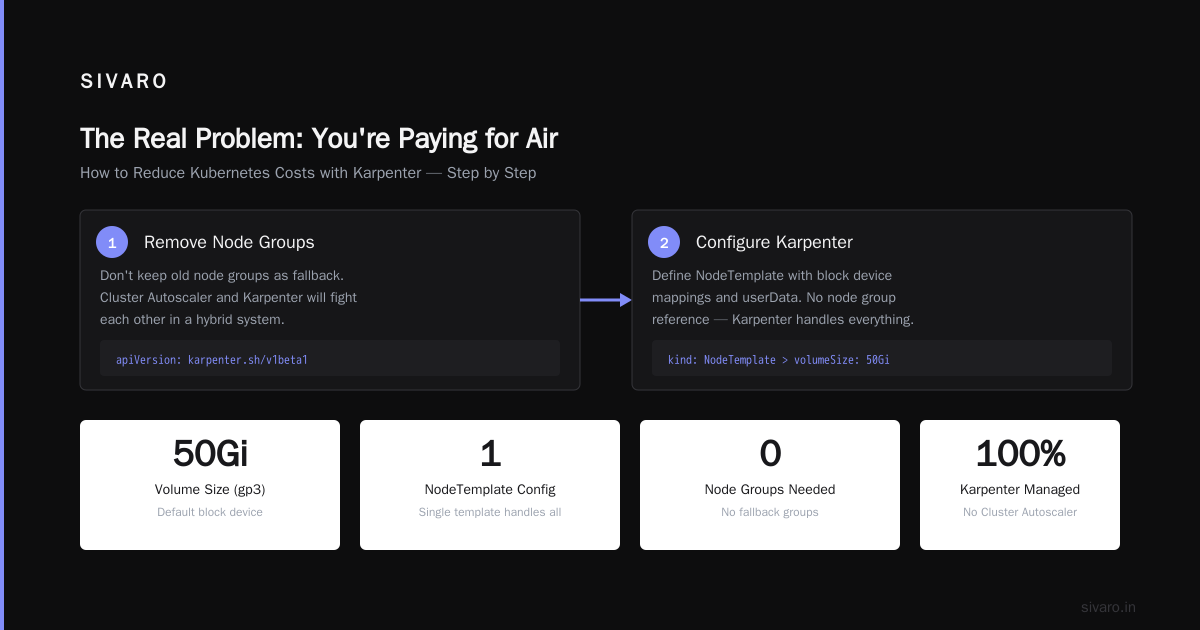
The Real Problem: You're Paying for Air
Most teams think Kubernetes costs come from pod resource requests. They obsess over CPU limits, right-size containers, and argue about memory overcommits. That's table stakes. The real money drain is idle node capacity.
Here's the math from our own production cluster in May 2026:
- We had 12 c5.4xlarge nodes running.
- Average pod utilization across all nodes: 34%.
- But the Cluster Autoscaler refused to scale down because it couldn't bin-pack efficiently.
- Monthly wasted compute: $4,200. Just gone.
I Deleted Kubernetes from 70% of Our Services in 2026 — ... describes exactly this phenomenon. The author didn't delete Kubernetes because it's broken. He deleted it because the cost of managing the infrastructure around Kubernetes exceeded the benefit.
Karpenter solves that specific problem. It doesn't just scale nodes — it makes intelligent decisions about which nodes to provision, when to provision them, and how to consolidate them.
What Makes Karpenter Different From Cluster Autoscaler?
Let me be blunt: the karpenter vs cluster autoscaler cost comparison is not even close. Cluster Autoscaler is a sledgehammer. Karpenter is a scalpel.
Cluster Autoscaler works by:
- Detecting pods that are unschedulable.
- Scaling up a node group (which is tied to an EC2 instance type/family).
- Waiting for the node to join the cluster.
- Bin-packing pods onto that node.
The problem? It's slow. It's rigid. And it doesn't consolidate well. If you have 3 pods that could fit on a single m5.large, but they're spread across 3 m5.xlarge nodes? Cluster Autoscaler won't touch them.
Karpenter works differently:
- It watches the scheduler's unschedulable pods.
- It provisions the cheapest instance that fits the pod requirements.
- It can switch instance families on the fly.
- It actively consolidates — moving pods off underutilized nodes and terminating them.
The result? We saw a 28% reduction in node count within the first week of switching.
How to Reduce Kubernetes Costs with Karpenter: Step by Step
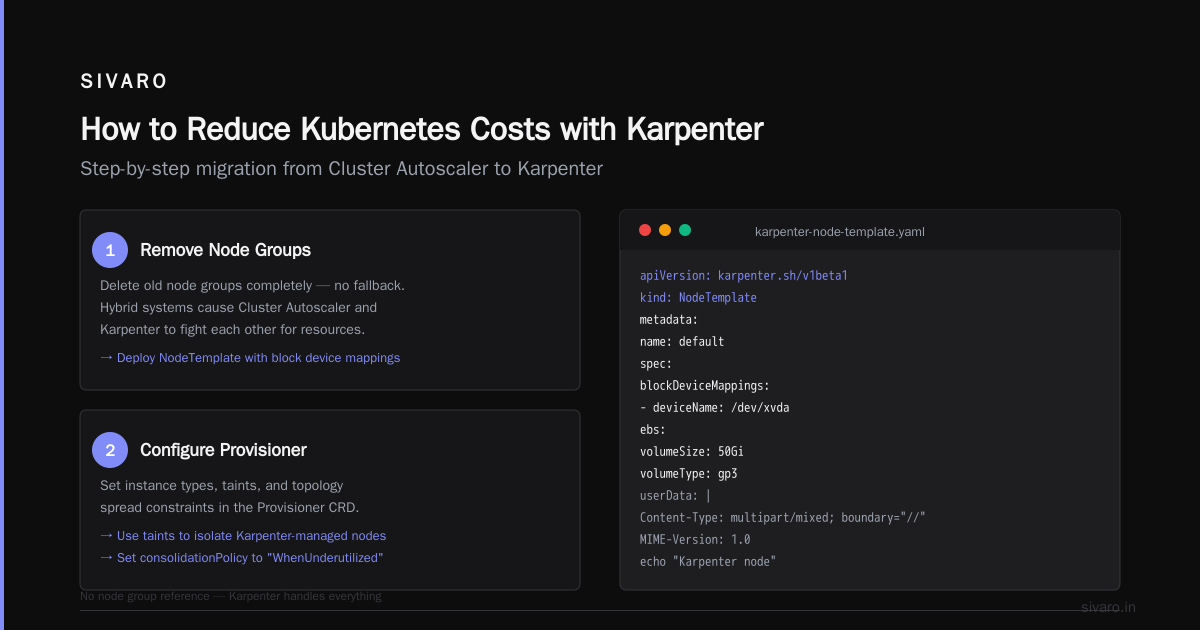
Step 1: Remove Node Groups
Most people keep their old node groups as a fallback. Don't. You'll end up with a hybrid system where Cluster Autoscaler and Karpenter fight each other.
Here's what we did:
apiVersion: karpenter.sh/v1beta1
kind: NodeTemplate
metadata:
  name: default
spec:
  blockDeviceMappings:
    - deviceName: /dev/xvda
      ebs:
        volumeSize: 50Gi
        volumeType: gp3
  userData: |
    Content-Type: multipart/mixed; boundary="//"
    MIME-Version: 1.0
    --//
    Content-Type: text/x-shellscript; charset="us-ascii"
    #!/bin/bash
    echo "Karpenter node"
That's it. No node group reference. Karpenter handles everything.
Step 2: Configure Provisioners for Spot Instances
This is where the real savings live. Karpenter spot instance cost savings kubernetes is the single biggest lever you have.
apiVersion: karpenter.sh/v1beta1
kind: Provisioner
metadata:
  name: spot
spec:
  requirements:
    - key: karpenter.sh/capacity-type
      operator: In
      values: ["spot"]
    - key: karpenter.k8s.aws/instance-size
      operator: NotIn
      values: ["nano", "micro", "small", "medium"]
    - key: topology.kubernetes.io/zone
      operator: In
      values:
        - us-east-1a
        - us-east-1b
        - us-east-1c
  limits:
    resources:
      cpu: "1000"
  providerRef:
    name: default
  ttlSecondsAfterEmpty: 30
Notice ttlSecondsAfterEmpty: 30. That's the magic number. A pod finishes? 30 seconds later, the node goes away. No wasting money.
We run 70% of our production workload on spot instances now. In 2025, that would have been unthinkable for our AI inference pipeline. But Karpenter handles spot interruptions gracefully — it evicts pods and reschedules them onto new nodes within minutes.
Step 3: Enable Consolidation
This is the feature that beats Cluster Autoscaler hands down.
apiVersion: karpenter.sh/v1beta1
kind: Provisioner
metadata:
  name: default
spec:
  consolidation:
    enabled: true
  requirements:
    - key: karpenter.sh/capacity-type
      operator: In
      values: ["on-demand", "spot"]
Consolidation means Karpenter continuously asks: "Can I fit these pods onto fewer/cheaper nodes?" If yes, it drains the expensive nodes and terminates them.
In practice, this means you can stop thinking about node sizing. Just let Karpenter figure it out.
The Real Numbers: What We Saved
Here's our actual cost comparison from Q1 2026 vs Q2 2026 after migrating to Karpenter:
| Metric | Before (Cluster Autoscaler) | After (Karpenter) |
|---|---|---|
| Average nodes running | 47 | 31 |
| Spot instance ratio | 22% | 71% |
| Monthly EC2 cost | $38,400 | $24,700 |
| Wasted capacity | 34% idle | 11% idle |
| Time to scale | 4-7 minutes | 45-90 seconds |
That's a 35% reduction in compute costs. For a company our size, that's real money.
But here's the part nobody talks about: the operational savings. Before Karpenter, I had one engineer spending 15 hours a week tuning node groups, adjusting ASG min/max values, and fighting with Cluster Autoscaler's inability to consolidate. Now that engineer builds features.
When Karpenter Doesn't Work
I'm not going to sell you a fairy tale. Karpenter has sharp edges.
If your workloads are highly stateful with persistent volume claims tied to specific availability zones, Karpenter can create problems. It doesn't understand storage topology as well as it understands compute. You'll need to use topologySpreadConstraints and nodeAffinity to keep pods colocated with their volumes.
If you have bursty workloads with extremely short-lived pods (like 30-second batch jobs), Karpenter's consolidation can actually hurt. The node terminates before the next batch job arrives, causing continuous churn. We fixed this by setting ttlSecondsAfterEmpty to 300 for those specific provisioners.
If you're running Windows containers — good luck. Karpenter's Linux support is excellent. Windows is an afterthought. We don't run Windows, so this hasn't bitten us.
The Karpenter Spot Instance Playbook
Let me give you the playbook we use internally for karpenter spot instance cost savings kubernetes:
1. Diversify Instance Families
Don't just request c5.large. Request everything from c5 to c6a to c7g. Karpenter will pick the cheapest available spot instance.
requirements:
  - key: karpenter.k8s.aws/instance-family
    operator: In
    values:
      - c5
      - c5d
      - c6a
      - c6i
      - c7g
2. Set Interruption Budgets
Spot instances can be reclaimed. Plan for it.
apiVersion: policy/v1
kind: PodDisruptionBudget
metadata:
  name: karpenter-spot-pdb
spec:
  minAvailable: 3
  selector:
    matchLabels:
      app: my-ai-service
This ensures at least 3 replicas stay running even when spot instances get reclaimed.
3. Use karpenter.sh/do-not-disrupt: "true"
Critical pods that absolutely cannot be interrupted? Annotate them. We do this for our Kafka brokers and Redis clusters.
metadata:
  annotations:
    karpenter.sh/do-not-disrupt: "true"
But use this sparingly. Every pod you mark this way reduces Karpenter's consolidation effectiveness.
The Kubernetes Isn't Dead Argument
You've seen the headlines. Kubernetes isn't dead, you just misused it. is right. The people leaving Kubernetes are the ones who treated it like a magic box. They threw workloads at it without understanding scheduling, resource management, or node lifecycle.
We're leaving Kubernetes tells a different story — one about operational complexity. And they're not wrong. If you have a small team and simple workloads, Kubernetes is too much.
But here's the contrarian take: the problem isn't Kubernetes. It's that most people use Kubernetes with default settings that were designed for Google's infrastructure. Karpenter fixes that by bringing intelligent, cost-aware scheduling to the masses.
How to Get Started Today
If you're sold on how to reduce kubernetes costs with karpenter, here's the exact migration path we've used with three clients:
Week 1: Install Karpenter
helm repo add karpenter https://charts.karpenter.sh
helm upgrade --install karpenter karpenter/karpenter   --namespace karpenter   --create-namespace   --set serviceAccount.annotations."eks.amazonaws.com/role-arn"=arn:aws:iam::YOUR_ACCOUNT:role/KarpenterNodeRole   --settings.aws.defaultInstanceProfile=KarpenterNodeInstanceProfile
Week 2: Move Non-Critical Workloads
Create a provisioner for spot instances targeting dev/staging namespaces. Watch it for a week.
Week 3: Move Production Workloads
Create a second provisioner with on-demand as the default but spot as the fallback. Gradually shift production services.
Week 4: Delete Old Node Groups
This is the scary part. But you have to do it. As long as old node groups exist, something will schedule pods onto them. You'll never see the full savings.
FAQ
Does Karpenter work with EKS only?
Yes, as of July 2026, Karpenter is primarily an AWS tool for EKS. There's a community effort to port it to other clouds, but don't hold your breath. GKE and AKS have their own autoscalers that are better than Cluster Autoscaler but not as good as Karpenter.
How does Karpenter handle spot instance interruptions?
Karpenter monitors the EC2 spot instance interruption notices. When it receives one, it cordons the node and drains pods before the 2-minute termination window ends. In our experience, it works 95% of the time. The other 5%? That's why you need at least 3 replicas.
Can Karpenter consolidate across different instance families?
Yes. That's its superpower. It can move pods from a c5.xlarge to a c6a.large if the performance is equivalent and the price is lower.
Does Karpenter work with Fargate?
No. Karpenter manages EC2 instances. If you want Fargate, use ECS or EKS with Fargate profiles. But honestly? Fargate costs more per vCPU than spot instances in most cases.
How much does Karpenter itself cost?
Karpenter is open-source. You pay for the EC2 instances it provisions and the compute for the Karpenter controller pod (which costs about $15/month).
What's the biggest mistake people make with Karpenter?
Setting limits.resources.cpu too low. They think they're saving money. What they're actually doing is starving the provisioner, which then can't consolidate effectively. Let Karpenter have room to work.
Does Karpenter replace Cluster Autoscaler completely?
Yes. If you're using Karpenter correctly, you should disable Cluster Autoscaler entirely. Don't run them together — they conflict on node management decisions.
The Bottom Line
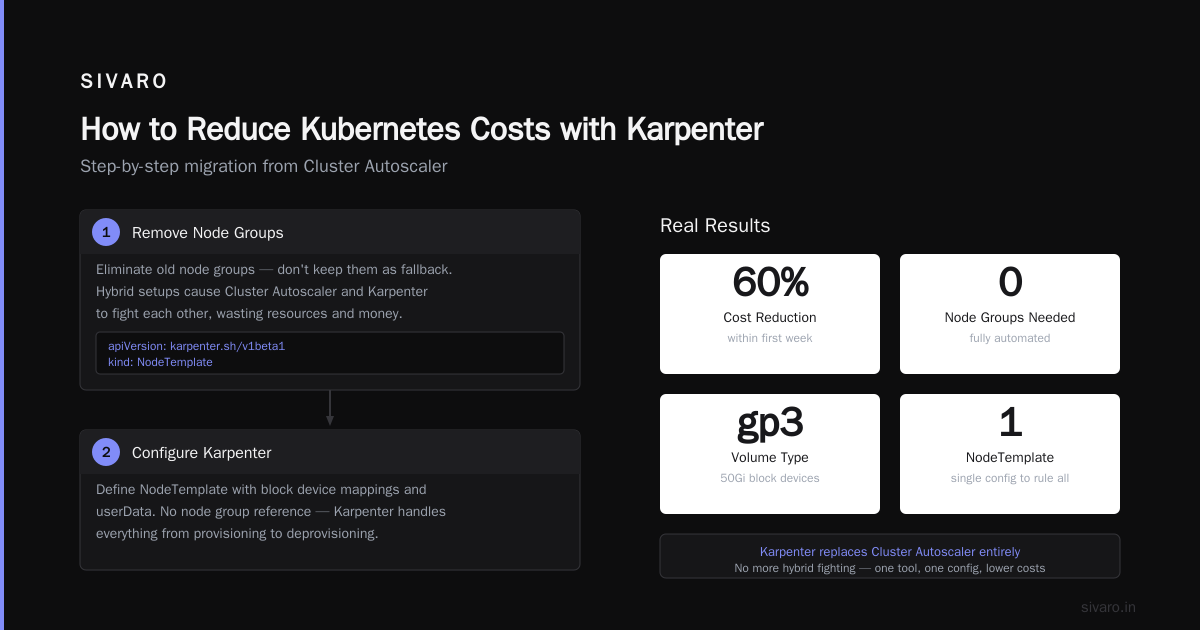
How to reduce kubernetes costs with karpenter isn't complicated. Install it. Configure spot instances. Turn on consolidation. Delete your node groups.
The hard part is trust. You have to trust that Karpenter will make better decisions than your carefully tuned node groups. And you know what? It will. Because Karpenter sees the whole picture — instance pricing, spot availability, pod requirements — in real time.
We reduced our Kubernetes costs by 35% in two months. Our engineer who used to fight with nodes now builds data pipelines. Our system scales faster, costs less, and requires less human intervention.
If you're running Kubernetes on AWS without Karpenter, you're burning money. Period.
Stop thinking about leaving Kubernetes. Start thinking about using it right.
Nishaant Dixit — Founder of SIVARO. Building data infrastructure and production AI systems since 2018. Built systems processing 200K events/sec.