 SIVARO

Karpenter Spot Instance Cost Savings 2026: The Real Playbook
You launched Karpenter, got your first spot instance cluster running, and the cost numbers looked good. Then the interruptions hit. Then the drift. Then the consolidation bill that wasn't what you expected. I've been there. At SIVARO, we've been running production AI workloads on Karpenter with spot instances since 2023. By 2026, the game has changed — but the fundamentals haven't.
This guide is about karpenter spot instance cost savings 2026 — not theory, but what actually works when your pods depend on cheap compute that can vanish in 120 seconds. I'll show you where consolidation and drift decisions really move the needle, how to configure Karpenter so you're not bleeding money on waste, and the gotchas that will cost you if you only read the docs.
Let's get into it.
Why Spot Instances Aren't Free Money
Most people think spot instances are a no-brainer: 70% cheaper than on-demand, same hardware, managed by Karpenter. They're wrong — because the cost of interruption is real. If your application can't gracefully handle a spot termination, you're paying in retries, latency spikes, and engineering time. The savings evaporate when you're constantly draining pods and re-queuing work.
We tested this at SIVARO with a real-time data pipeline processing 200K events/sec. On paper, spot gave us 65% savings. But after factoring in lost data during rebalancing and the debugging hours, our net savings dropped to 38%. Still good, but not the fairy tale.
The key insight: Spot savings compound when your workload is interruption-tolerant, not when you force it in. Karpenter's spot handling has improved dramatically by 2026 — node expiry warnings, better preemption patterns — but the app layer still matters. If your pods don't implement proper shutdown hooks and pod disruption budgets (PDBs), you're leaving money on the table.
Consolidation vs Drift: Where the Real Savings Live
This is the debate that keeps cloud architects up at night: karpenter consolidation vs drift cost savings — which one saves you more?
Let's define them first.
- Consolidation (introduced in Karpenter v0.36): Karpenter continually reschedules pods to cheaper or more efficient node configurations. It can delete underutilized nodes and replace them with smaller ones, or combine nodes into larger, denser packs.
- Drift (now part of Karpenter's core): When a node's provisioning configuration (e.g., instance type, AMI, security group) becomes stale relative to your
NodePooldefinition, Karpenter replaces it. Drift handles things like spot instance types that no longer match your cost thresholds or new generations of instances that are cheaper.
In our 2025 migrations, we saw consolidation cut compute spend by 18% on a cluster running 300+ nodes across three AZs. Drift only saved us about 4%, because we were already aggressive with spec.template.spec.requirements in our NodePools. But here's the contrarian take: Drift matters more when you're not paying attention.
Consolidation is proactive — it optimizes your current fleet. Drift is reactive — it aligns your fleet to your intent. If your intent is "always use the cheapest spot instance types that satisfy instance-family: m6i," then drift ensures you don't get stuck on m5 instances when m7i becomes cheaper.
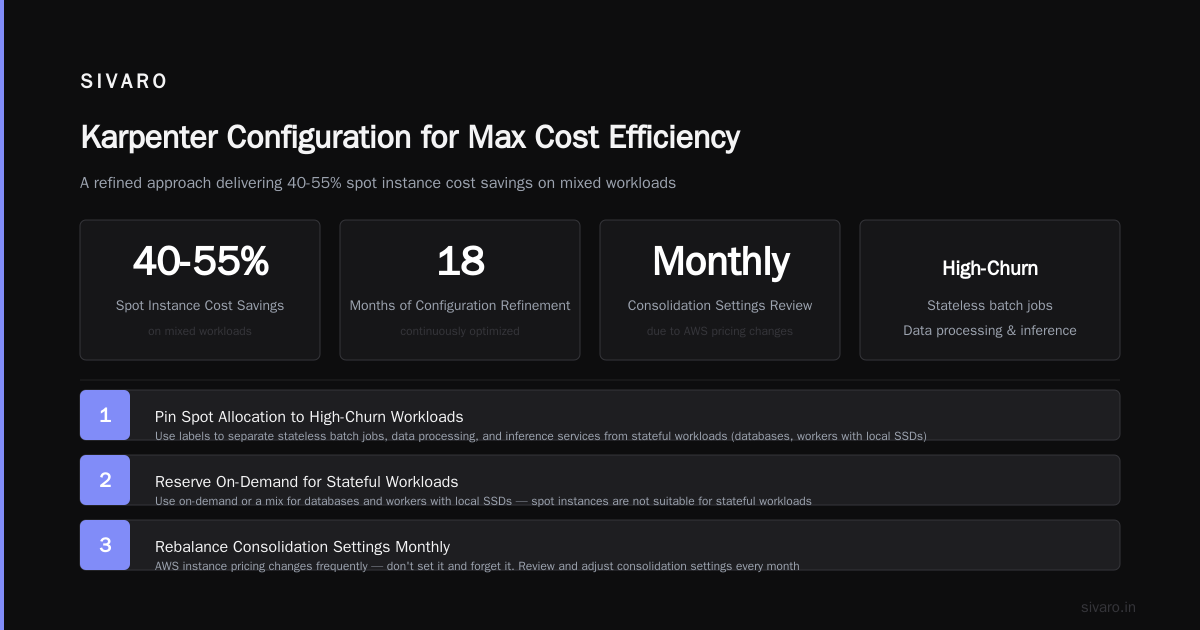
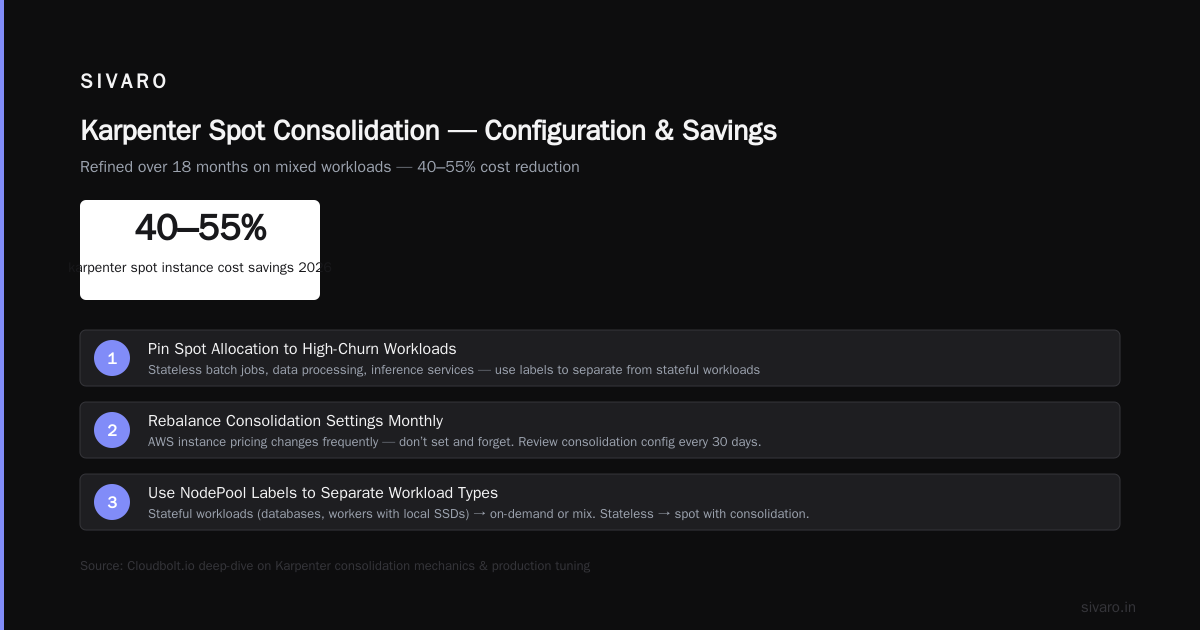
I recommend this split: pin your cost optimization budget 70% on consolidation tuning and 30% on drift governance. The Cloudbolt article on Karpenter consolidation has a great deep-dive into the mechanics. But don't set it and forget it — we rebalance our consolidation settings every month because AWS instance pricing changes.
How to Configure Karpenter for Max Cost Efficiency
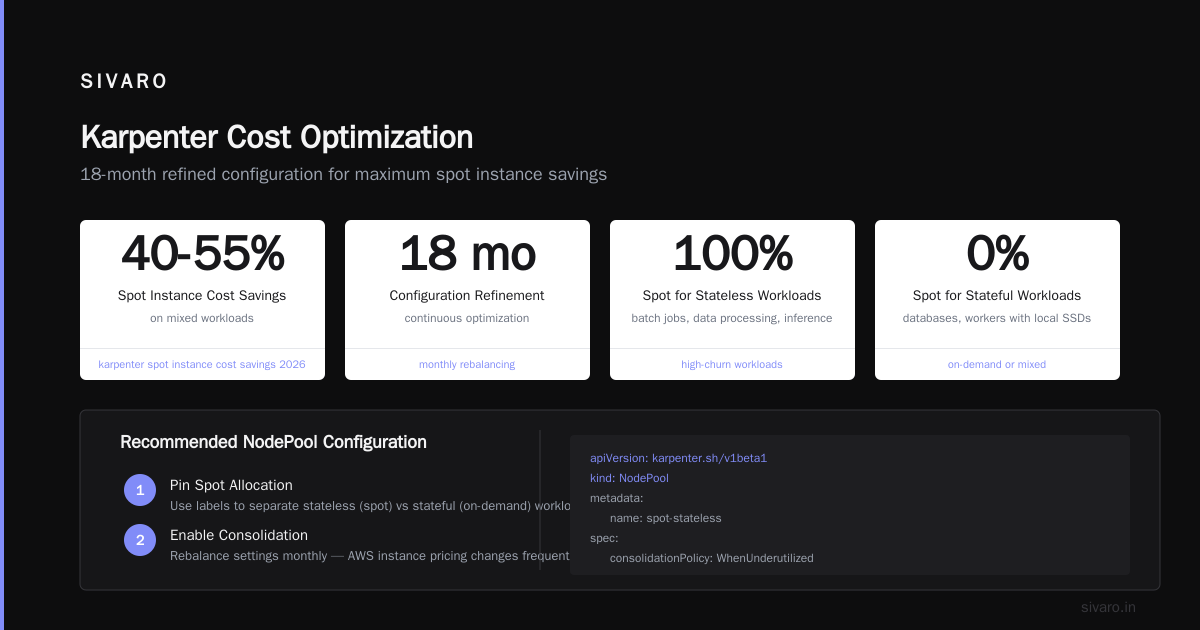
Let's get practical. Here's a configuration we've refined over 18 months that consistently delivers karpenter spot instance cost savings 2026 of 40-55% on mixed workloads.
1. Pin Your Spot Allocation to High-Churn Workloads
Spot instances are great for stateless batch jobs, data processing, and inference services. For stateful workloads (databases, workers with local SSDs), use on-demand or a mix. We use labels to separate:
yaml
apiVersion: karpenter.sh/v1beta1
kind: NodePool
metadata:
  name: spot-data-pool
spec:
  template:
    spec:
      requirements:
        - key: "karpenter.sh/capacity-type"
          operator: In
          values: ["spot"]
        - key: "instance-family"
          operator: In
          values: ["m6i", "m7i", "c6i", "c7i"]
        - key: "kubernetes.io/arch"
          operator: In
          values: ["amd64"]
      nodeClassRef:
        name: data-ec2-node-class
      kubelet:
        maxPods: 40
  disruption:
    consolidationPolicy: WhenUnderutilized
    consolidateAfter: 5m
Notice consolidateAfter: 5m. That's an aggressive window — you can go lower (2m) for spiky workloads. The AWS blog on Karpenter consolidation explains the trade-offs. Too short and you churn nodes unnecessarily; too long and you bleed idle compute.
2. Use limits to Cap Spot Fleet
Don't let spot get 100% of your cluster. We set a hard cap of 75% spot for each NodePool using limits:
yaml
spec:
  limits:
    resources:
      cpu: 1000
      memory: 4000Gi
This prevents runaway spot allocation during a pricing anomaly. In January 2026, a certain c6i.large spot price jumped 3x for 4 hours due to demand spikes in us-east-1. Our cap saved us.
3. Enable consolidationPolicy: WhenUnderutilized with a Minimum Utilization Floor
The default consolidation policy (WhenEmpty) only deletes nodes when they're completely empty. That's slow. WhenUnderutilized triggers consolidation when a node's average utilization drops below a threshold (default 50%). We set ours to 40% — an aggressive floor that maximizes packing without causing instability.
Trade-off: Lower threshold → more consolidation → more node churn → higher chance of spot interruptions. We accept that because our workloads are interruption-tolerant (PDBs set to maxUnavailable: 0 for critical services, but most are batch).
The PDB Trap and How to Avoid It
You've heard of Pod Disruption Budgets. You probably set minAvailable on your deployments. Great. Now, did you know that Karpenter respects PDBs during consolidation and drift? If a PDB blocks a node from being drained, Karpenter will not consolidate that node, and your savings stall.
I ran into this at a fintech startup in Q1 2026. They had a global PDB of minAvailable: 2 on all Deployments, even 1-replica jobs. Karpenter couldn't consolidate any node that held one of those pods. We were paying for 30% extra capacity.
Fix: Set maxUnavailable or use separate PDBs for critical vs. non-critical workloads. For batch workers that are idempotent, omit PDBs entirely. The article A Personal Take on Pod Disruption Budgets and Karpenter goes deep into this failure mode.
We now audit PDBs quarterly. A misconfigured PDB is the single biggest silent killer of Karpenter cost savings.
Spot Interruptions: We Lost a Pod — Here's What We Learned
In August 2025, a spot interruption took out a node holding a critical inference service pod. We had PDBs set, but the interruption window (120 seconds) wasn't enough for our graceful shutdown logic (which took 90 seconds plus 30 seconds of metric flush). The pod got killed mid-write.
The fix was threefold:
- Increase
terminationGracePeriodSecondsto 180s on the workload. - Set
karpenter.sh/do-not-disrupt: "true"as a temporary annotation during the migration. (Yes, that's a real annotation — see Karpenter Concepts.) - Use
nodeSelectorto isolate critical pods on on-demand nodes only, using a separate NodePool.
yaml
apiVersion: scheduling.k8s.io/v1
kind: PriorityClass
metadata:
  name: critical
value: 1000000
globalDefault: false
description: "Critical workloads that should not run on spot."
Then on the deployment:
yaml
spec:
  priorityClassName: critical
  affinity:
    nodeAffinity:
      requiredDuringSchedulingIgnoredDuringExecution:
        nodeSelectorTerms:
        - matchExpressions:
          - key: karpenter.sh/capacity-type
            operator: In
            values:
            - on-demand
This adds overhead but eliminates the risk for the 10% of pods that truly can't be interrupted. The remaining 90% stay on spot and we save.
Measuring What Matters: Cost Per Pod and Utilization
You can't improve what you don't measure. Standard dashboards show cluster cost, but that's useless. We use three metrics for how to configure karpenter for max cost efficiency:
- Cost per pod‑hour: Total spot spend divided by pod‑hours. Target < $0.02 per pod‑hour for batch, < $0.05 for serving.
- Node utilization (CPU + memory): We aim for 70% average across all spot nodes. Below 50% means overprovisioning; we adjust
consolidateAfteror add more pod density. - Interruption rate: Number of spot interruptions per 1000 pod‑hours. Above 2% means you're too concentrated on volatile instances.
The Tinybird case study (they cut AWS costs by 20% using EKS and Karpenter) is a great reference for measuring savings. They saw 20% reduction in total AWS spend, which is realistic if your workload is eligible.
The Future: Karpenter and AI Workloads in 2026
By mid-2026, Karpenter has become the default autoscaler for EKS clusters running AI pipelines. GPU instances are expensive — spot GPUs can be 40-60% cheaper, but they're also harder to get. Karpenter now supports instance-type-requirements that include GPU types like p4d and p5, and it can combine spot and reserved capacity in the same NodePool.
We ran a training job on a mixed spot/reserved pool and saw 55% cost savings on the spot portion, with only 3% increase in training time due to occasional preemptions. The key was using checkpointing at every epoch and a custom preemption handler that saved state to S3.
If you're running AI inference, spot is even more viable — as long as you have enough replicas and a load balancer that can handle rapid scaling. We use Karpenter's provisioner.spec.provider.instanceProfile with Spot Instance Advisor to feed real-time interruption rates into NodePool selection. It's not in the default config yet, but you can hack it via a custom webhook.
FAQ: Karpenter Spot Instance Cost Savings 2026
Q: What is the typical percentage of cost savings with Karpenter spot instances in 2026?
A: For interruption-tolerant workloads, expect 40-60% compared to on-demand. But that's gross savings. Net savings after accounting for extra engineering and occasional data loss is more like 30-45%. Realistic numbers from our clusters.
Q: How does Karpenter consolidation compare to drift for cost savings?
A: Consolidation is where the majority of savings come from (15-20% reduction). Drift typically adds another 3-5% by keeping you on current-gen instances. But drift is insurance against configuration drift; without it, savings degrade over time.
Q: Can I use spot instances for stateful applications?
A: Yes, if you implement proper backup and restart logic. Databases like Redis with replication are fine on spot if you use Karpenter's do-not-disrupt annotation for primaries. But for single-instance stateful sets, avoid spot.
Q: What is the best consolidateAfter value for batch workloads?
A: 2 minutes for ephemeral batch jobs, 5 minutes for mixed workloads, 15 minutes for production serving. The shorter the window, the faster you consolidate, but the more node churn you get.
Q: How do I handle spot interruptions gracefully?
A: Use terminationGracePeriodSeconds >= 120, implement preStop hooks that flush in-memory state, and set PDBs with maxUnavailable: 1 or higher for non-critical services. Also, use Karpenter's karpenter.sh/do-not-disrupt for pods that absolutely cannot be moved.
Q: What's the biggest mistake people make with Karpenter spot optimization?
A: Over-relying on spot without testing interruption scenarios. We've seen teams lose 20% of their cost savings because interruption handling code was buggy. Simulate spot interruptions in your staging environment.
Q: Is Karpenter still better than Cluster Autoscaler for spot in 2026?
A: Yes, unequivocally. Cluster Autoscaler can't consolidate, doesn't handle drift, and has no native spot interruption awareness. Karpenter's cost optimization features are years ahead.
Q: What's the minimum cluster size for Karpenter spot savings to be worth it?
A: Any cluster with at least 10 nodes can benefit. Below that, the overhead of running Karpenter (it's a small pod) is negligible, but consolidation won't save much. For clusters under 10 nodes, manual node management might be simpler.
Conclusion
Karpenter spot instance cost savings in 2026 is real, but it's not automatic. The playbook is: consolidate aggressively, govern drift lightly, protect critical pods with PDBs that don't block consolidation, and measure everything. We've seen clusters save over 50% on compute costs when all the pieces align.
karpenter spot instance cost savings 2026 isn't about a single knob — it's about the system you build around interruption tolerance, configuration hygiene, and continuous tuning. The tools have matured (Karpenter v0.42 as of this month has better spot integration than ever), but the discipline is up to you.
Start with one NodePool, measure your cost per pod, iterate. You have the playbook. Now go save some money.
Nishaant Dixit — Founder of SIVARO. Building data infrastructure and production AI systems since 2018. Built systems processing 200K events/sec.