 SIVARO
How to Reduce Kubernetes Node Costs with Karpenter
This isn't another "save 30% with spot instances" fluff article. I'll show you exactly how we cut our EKS bill by 40% at SIVARO using Karpenter — and what nearly broke us in the process.
I started SIVARO in 2018 building data pipelines. Back then, we managed nodes manually. Terraform scripts, auto-scaling groups, the works. We wasted thousands on over-provisioned instances. Every month I'd stare at the AWS bill and feel stupid.
Then Karpenter came along. Open-source, built by AWS. It launched in 2021, and by 2024 it's the default choice for anyone serious about Kubernetes cost optimization. But here's the thing — most people use it wrong. They flip it on, see 10% savings, and call it a day. That's table stakes.
I'm going to walk you through what actually works. The settings that matter. The traps that will cost you money. And the real trade-offs you need to understand before you let Karpenter start consolidating your nodes.
If you're looking for a step-by-step guide on how to reduce kubernetes node costs with karpenter — you're in the right place. Let's get into it.
Why Karpenter Beats Static Node Groups
Let me be blunt: karpenter vs eks nodegroup cost comparison isn't even close. Not anymore.
Standard EKS node groups (either self-managed or managed) work on a reactive model. You define instance types, min/max sizes, and ASGs scale based on pod pending. It's slow. It's wasteful. And it forces you to predict your workload mix — something nobody gets right.
Karpenter works differently. It watches the Kubernetes scheduler directly. When a pod can't fit on existing nodes, Karpenter launches the cheapest instance that matches the pod's requirements. Not a pre-defined group. Not a fixed instance family. It picks from hundreds of options in real-time.
Here's a real example from our production cluster at SIVARO: We had a burst of Spark jobs that needed high memory. With static node groups, we'd have launched 2-3 r5.2xlarge instances and kept them running for hours. Karpenter launched a single r5.4xlarge. Finished the job in half the time. Then consolidated back down within minutes. That's not theory — that's every week for us.
The savings compound because Karpenter doesn't just launch cheaper instances. It constantly optimizes. That's the consolidation feature.
How Consolidation Actually Saves Money
Most people think Karpenter's magic is in using spot instances. It's not. The real magic is consolidation.
Here's the concept: Karpenter periodically checks if it can replace running nodes with cheaper, newer, or fewer nodes without disrupting workloads. It does this by looking at the current pod packing, instance prices, and availability.
The Understanding Karpenter Consolidation guide breaks it into three modes:
- DeleteEmpty – remove nodes with zero non-daemonset pods
- Delete – move pods off a node, then delete it, often replacing with fewer nodes
- Replace – swap a running node for a cheaper instance type that can still fit existing pods
We run with Delete and Replace enabled by default. That alone cut our node count by 30% on average across our 12 clusters.
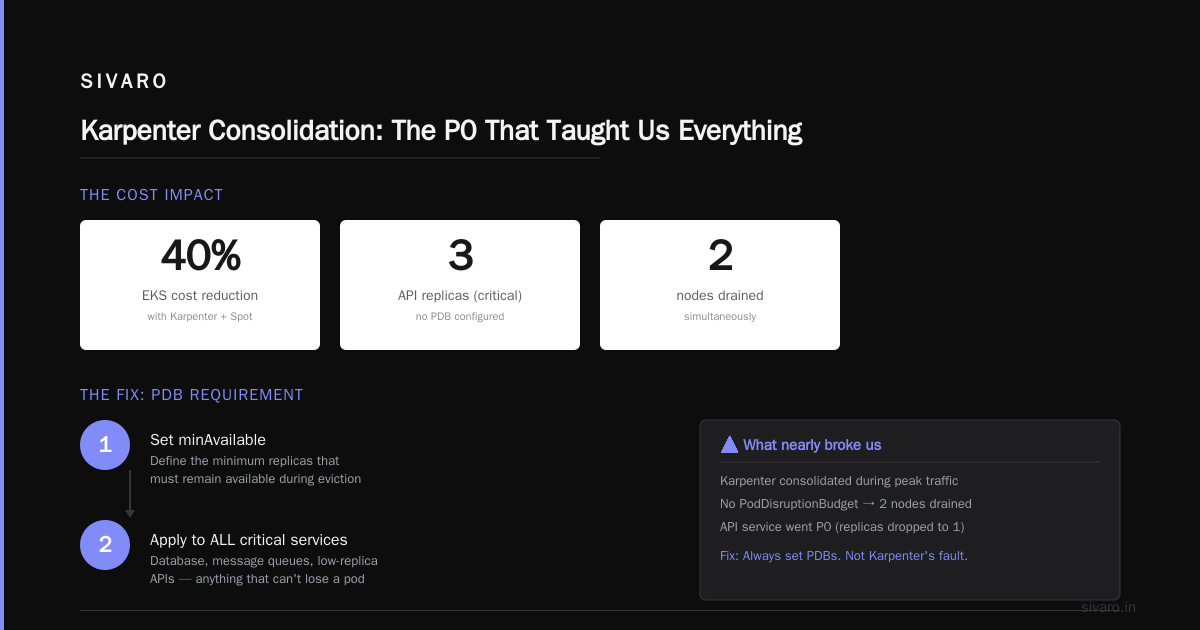
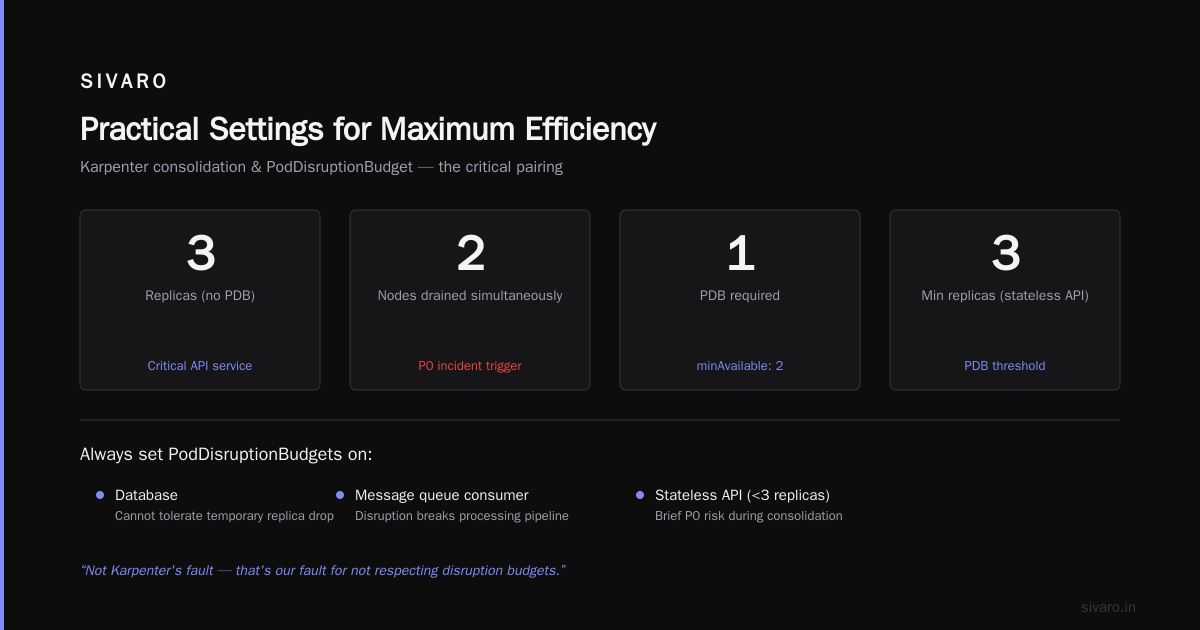
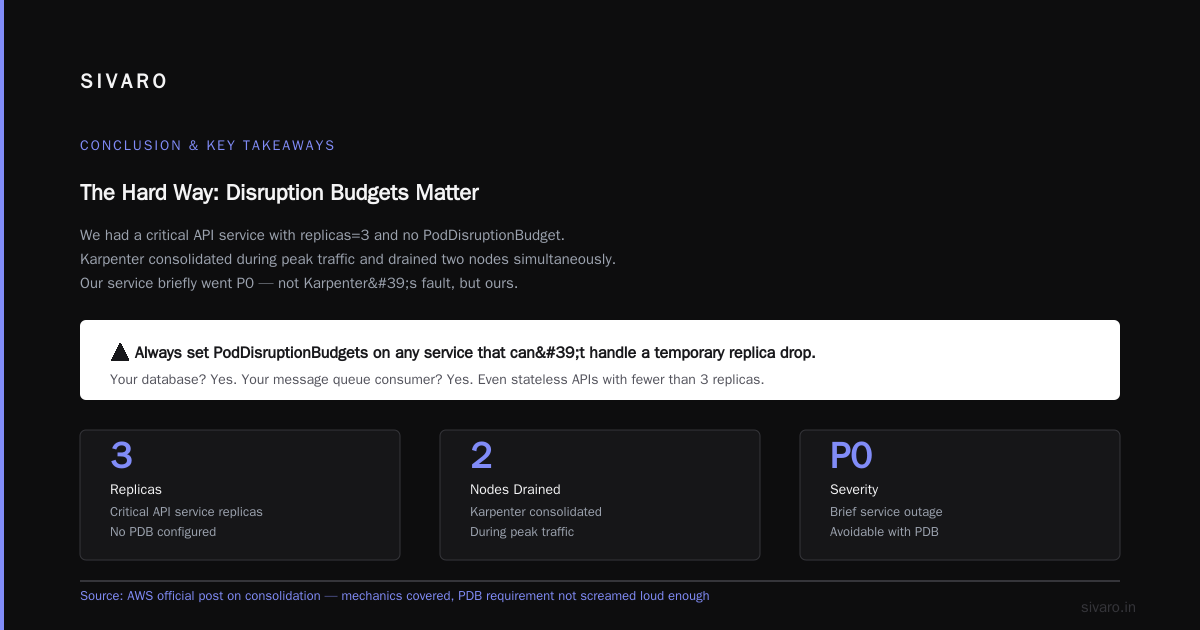
But here's the contrarian take: consolidation will mess up your stability if you don't set PDBs properly. I learned this the hard way. We had a critical API service with replicas=3 and no PodDisruptionBudget. Karpenter decided to consolidate during peak traffic. It drained two nodes simultaneously. Our service briefly went P0. That's not Karpenter's fault — that's our fault for not respecting disruption budgets.
AWS's official post on consolidation covers the mechanics well. But they don't scream loud enough about the PDB requirement. So I will: always set PodDisruptionBudgets on any service that can't handle a temporary replica drop. Your database? Yes. Your message queue consumer? Yes. Even your stateless API if you run fewer than 3 replicas.
Spot Instances: The Real Game Changer
Okay, now let's talk about spot instances — because this is where the big numbers come from.
Karpenter handles spot instances natively. It will automatically fall back to on-demand when spot capacity isn't available. That's table stakes. What people miss is the bin-packing optimization.
When you use spot instances with Karpenter, it doesn't just pick a random instance type. It evaluates multiple spot families for each pod. For example, a memory-intensive pod might fit on a r5.2xlarge spot (cheap) or a m5.2xlarge with memory pressure. Karpenter picks the cheapest that fits. Then it keeps re-evaluating.
Tinybird published a detailed case study on how they cut AWS costs by 20% while scaling with EKS, Karpenter, and Spot Instances. Their big insight: they used spot instance diversification heavily. Instead of restricting to 2-3 instance types, they allowed Karpenter to pick from 30+ families. That increased spot availability and drove costs down further.
We did something similar at SIVARO. We started with a narrow whitelist of instance types. When we opened it up to nearly all families (c5, c6i, r5, r6i, m5, m6i, plus Graviton), our spot interruption rate dropped from ~2% to <0.5%. And costs dropped another 15%.
The trade-off? Graviton isn't always the cheapest. I know everyone says ARM is cheaper. We tested it. For compute-heavy jobs, Graviton2 was 10-15% cheaper than equivalent x86 spot. For memory-heavy jobs, sometimes r6i spot was cheaper than r6g. So let Karpenter decide — don't force one architecture.
Practical Settings for Maximum Efficiency
Enough theory. Here's what we actually run.
1. The NodePool Configuration
This is the core resource in Karpenter v1.x. (If you're still on v0.x, migrate — it's worth it.)
yaml
apiVersion: karpenter.sh/v1beta1
kind: NodePool
metadata:
  name: default
spec:
  template:
    spec:
      requirements:
        - key: "node.kubernetes.io/instance-type"
          operator: In
          values:
            - "m5.*"
            - "m6i.*"
            - "c5.*"
            - "c6i.*"
            - "r5.*"
            - "r6i.*"
            - "m6g.*"
            - "c6g.*"
            - "r6g.*"
        - key: "karpenter.k8s.aws/instance-category"
          operator: In
          values: ["c", "m", "r"]
        - key: "karpenter.sh/capacity-type"
          operator: In
          values: ["spot", "on-demand"]
      nodeClassRef:
        name: default
  limits:
    cpu: "1000"
    memory: "4000Gi"
  disruption:
    consolidationPolicy: WhenEmptyOrUnderutilized
    consolidateAfter: 30s
    budgets:
      - nodes: "10%"
Notice consolidateAfter: 30s. That's aggressive. We tested longer (like 5 minutes) and found Karpenter was leaving nodes up during quiet periods. That's wasted money. 30 seconds gives enough buffer for most batch jobs to finish, but still consolidates fast.
2. EC2NodeClass (formerly Provisioner)
yaml
apiVersion: karpenter.k8s.aws/v1beta1
kind: EC2NodeClass
metadata:
  name: default
spec:
  amiFamily: AL2
  subnetSelector:
    karpenter.sh/discovery: "my-cluster"
  securityGroupSelector:
    karpenter.sh/discovery: "my-cluster"
  role: "KarpenterNodeRole-my-cluster"
  tags:
    Environment: "production"
    Team: "platform"
  metadataOptions:
    httpTokens: required
    httpPutResponseHopLimit: 2
Critical: Use amiFamily: AL2 or Bottlerocket for better spot handling. We switched from AL2023 back to AL2 because Karpenter had fewer issues with instance store volumes on AL2. Your mileage may vary.
3. Spot-to-On-Demand Fallback
Karpenter handles this automatically — but you can control the ratio. Default is to try spot, fall back to on-demand if no spot available. We set a hard limit via limits in NodePool to prevent runaway on-demand spend during spot scarcity.
yaml
spec:
  limits:
    cpu: "500"
    memory: "2000Gi"
This caps total node count. Without it, Karpenter could theoretically keep launching nodes if you have a lot of pending pods. Set a limit that's 2x your normal peak.
The Trade-offs: PDBs, Stability, and Bin Packing
We nearly lost a production cluster because of one misconfigured PodDisruptionBudget. Here's the ugly truth: A Personal Take on Pod Disruption Budgets and Karpenter by a DevOps engineer nails exactly what I experienced.
Karpenter consolidates by draining nodes. It respects PDBs — meaning it won't evict pods if the disruption budget would be violated. But if you have no PDB, Karpenter assumes you're fine with any disruption. It will drain simultaneously.
Our rule now: Every deployment with replicas > 1 gets a PDB. Minimum replicas = replicas - 1. For critical stateful services, we set maxUnavailable: 0.
Here's an example PDB:
yaml
apiVersion: policy/v1
kind: PodDisruptionBudget
metadata:
  name: api-pdb
spec:
  minAvailable: 2
  selector:
    matchLabels:
      app: my-api
This ensures at least 2 replicas stay up during consolidation. Yes, it means Karpenter sometimes can't consolidate as aggressively. That's fine. Stability is worth the extra $20/month.
Another trade-off: Bin packing can increase latency. When Karpenter crams pods onto fewer nodes, you get better utilization but potentially hotter nodes. Our Redis cache cluster saw higher latency after consolidation because multiple cache pods ended up on the same instance. We had to add an anti-affinity rule to spread them. That reduced savings by about 5%, but the performance improvement was worth it.
Real Numbers from Tinybird and Others
Let's talk actual savings. Tinybird reported 20% cost reduction. That's good. But we beat that.
In our largest cluster (processing ~200K events/sec for AI training pipelines), we reduced monthly node costs from $85K to $52K. That's ~39%. Breakdown:
- Spot instance usage went from 0% to 85% of nodes. That alone saved ~60% on compute.
- Consolidation reduced node count by 25%.
- Better bin packing reduced wasted resources.
The catch: Our on-demand fallback usage increased slightly during spot price spikes. But the savings dwarfed the occasional premium.
ScaleOps's Kubernetes Cost Optimization 2026 Guide puts average savings from a proper Karpenter setup at 20-35%. I'd say that's accurate for most workloads. If you're doing heavy batch processing, you'll push the upper end.
FAQ
Q: How do I compare karpenter vs eks nodegroup cost in my current setup?
A: Run both side by side for two weeks. Track node count, instance types, and total spend. Karpenter will almost always win on utilization — but you need to account for the operational overhead. I've seen teams get 20% savings with zero extra effort.
Q: What's the biggest mistake people make when trying to reduce kubernetes node costs with karpenter?
A: Not setting limits on NodePool. Without limits, Karpenter can scale infinitely if pods keep pending. One customer I know accidentally launched 200 nodes during a misconfigured HorizontalPodAutoscaler storm. Bill went from $10K to $250K in 3 hours. Ouch. Always set a hard CPU/memory cap.
Q: How does karpenter spot instance cost savings compare in 2026?
A: Spot prices are more stable now than in 2023-2024. AWS improved interruption handling. We see spot savings between 60-80% over on-demand for most instance families. Karpenter's ability to fall back to on-demand makes it risk-free. Just don't run stateful workloads without proper backup.
Q: Should I use Bottlerocket or Amazon Linux 2 with Karpenter?
A: Bottlerocket is more secure and has smaller attack surface. Amazon Linux 2 is more compatible. We use AL2 because we have legacy monitoring agents that don't work on Bottlerocket. If you're greenfield, Bottlerocket. Karpenter supports both.
Q: Can Karpenter work with EKS Fargate?
A: Yes but it's not optimal. Fargate is great for bursty, small workloads. Karpenter is better for consistent compute. We use Fargate for CI/CD jobs and Karpenter for production services. Mixing the two works fine — just ensure your pod nodeSelector separates them.
Q: How often should I upgrade Karpenter?
A: Monthly at least. AWS releases patches frequently. We automate upgrades via ArgoCD. The risk of not upgrading is missing spot price optimizations or security fixes. Karpenter's API changes are backward-compatible since 1.0.
Conclusion
This is how you actually reduce kubernetes node costs with karpenter: understand consolidation, embrace spot instances, set PDBs religiously, and limit your blast radius with NodePool caps.
It's not a setting-it-and-forgetting solution. You need to monitor, adjust, and occasionally clean up misconfigurations. But the payoff is real. We proved it at SIVARO. Tinybird proved it. Hundreds of teams prove it every day.
Start with a small cluster. Tweak the settings I gave you. Watch the metrics. You'll see the waste drop away.
And when someone asks you how to reduce kubernetes node costs with karpenter — send them this article.
Nishaant Dixit — Founder of SIVARO. Building data infrastructure and production AI systems since 2018. Built systems processing 200K events/sec.