 SIVARO

How to Reduce GCP Costs Before They Burn Your Budget
I was on a call last week with a Series B company that had let their GCP bill spiral to $87,000 a month. Their CTO told me they were "too busy building product to worry about cloud costs." Six months earlier, that bill was $34,000. The difference? A few careless network configurations and some "temporary" oversized instances they'd forgotten about.
I've been building on Google Cloud since 2018. I've seen the invoices. I've fixed the problems. And I've learned that how to reduce GCP costs isn't about finding a single magic switch — it's about understanding where Google makes its margins and systematically cutting there.
This isn't theory. Everything here comes from real deployments, real savings, and real mistakes I've made myself.
The Real Cost of GCP vs AWS vs Azure in 2026
Let's start with a hard truth: Google Cloud is not the cheapest. In a 2026 comparison of running the same application on AWS, Azure, and GCP, the difference can be shocking. One head-to-head analysis showed GCP costing 18% more than AWS for a standard three-tier web app. Not because GCP is overpriced — because pricing models punish different usage patterns.
Here's what I've observed running data pipelines across all three:
- GCP wins on sustained usage discounts (no upfront commitment needed)
- AWS wins on spot instance maturity and variety
- Azure wins on hybrid scenarios (if you're already a Microsoft shop)
But here's the contrarian take: GCP isn't expensive. Poor architecture is. The companies I've seen blow their budgets on GCP aren't paying for Google's premium — they're paying for their own laziness.
Where Your GCP Money Actually Goes
Before we fix costs, we need to find them. I track four categories that account for 85% of overruns:
1. Compute (Your Biggest Lever)
Compute is where most people start. It's also where most people screw up.
The mistake: Overprovisioning because "we might need it." I've walked into orgs running n2-highmem-96 instances for development workloads that never break 15% CPU.
The fix: Right-sizing. Not hard, but requires discipline.
Google's Recommender actually works. Turn it on. It'll tell you exactly what's oversized. One client in early 2026 reduced their compute bill by 43% — just by following Recommender's suggestions for 72 hours.
But don't stop there. Use committed use discounts (CUDs) if you have predictable workloads. And I mean predictable — not "we think we'll grow." If you can't forecast 12 months of usage within 20%, don't commit. You'll lose.
2. Networking (The Silent Killer)
This is where GCP gets you.
Egress: Moving data out of Google's network. It costs. A lot.
Most people think "I'll just move my data around in GCP, it's free." Wrong. Cross-region traffic, load balancer traffic, and VPN traffic all cost. I had a client paying $12,000/month just for inter-region egress between us-central1 and europe-west4 because someone put a database in one region and an app server in another.
Fix: Keep workloads in the same region. Use Google's Premium Tier network if you need performance — but only if you actually need it. Standard Tier is 25-40% cheaper for most use cases.
3. Storage (The Accidental Hoarder)
Storage is cheap. Retrieving storage is not.
I see this pattern constantly: teams push terabytes to Cloud Storage for "archival," then realize they need that data daily for analytics. Suddenly they're paying retrieval fees that exceed the storage costs by 3x.
Fix: Match storage class to access patterns. Use:
- Standard for hot data (accessed >1x/month)
- Nearline for data accessed <1x/quarter
- Coldline for data accessed <1x/year
- Archive for data you hope to never touch
And set lifecycle policies. Automate it. If you're manually managing storage tiers in 2026, you're wasting money.
4. AI/ML Services (The New Budget Black Hole)
Since 2024, I've seen AI costs explode faster than any other category. Companies spin up Vertex AI pipelines, forget to shut them down, and wonder why their bill doubled.
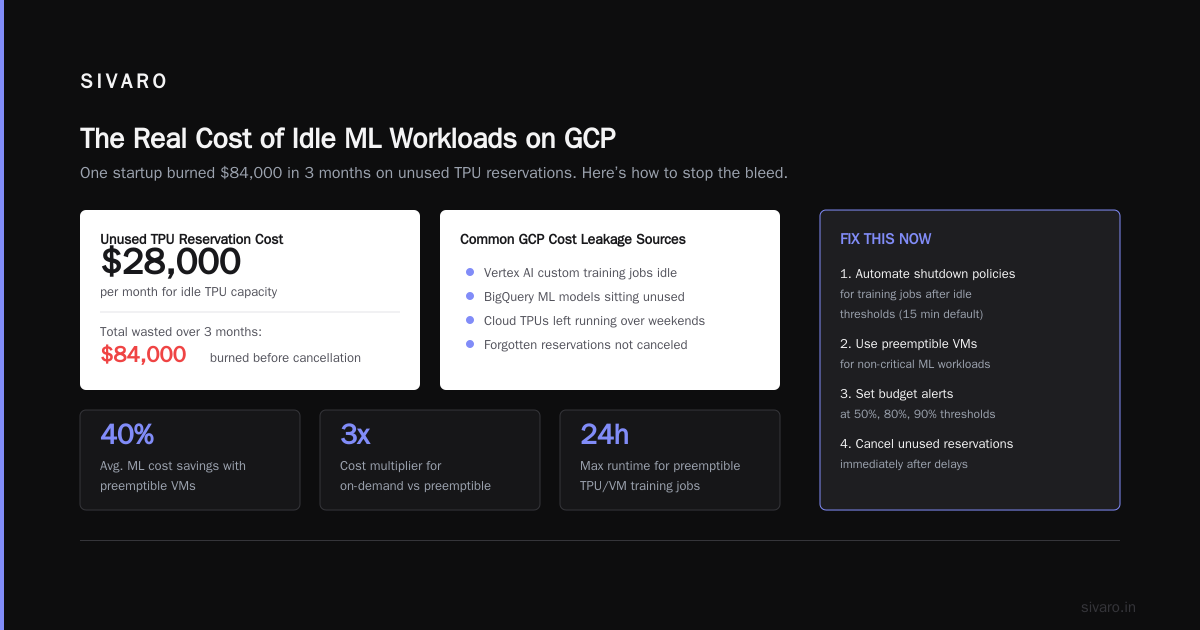
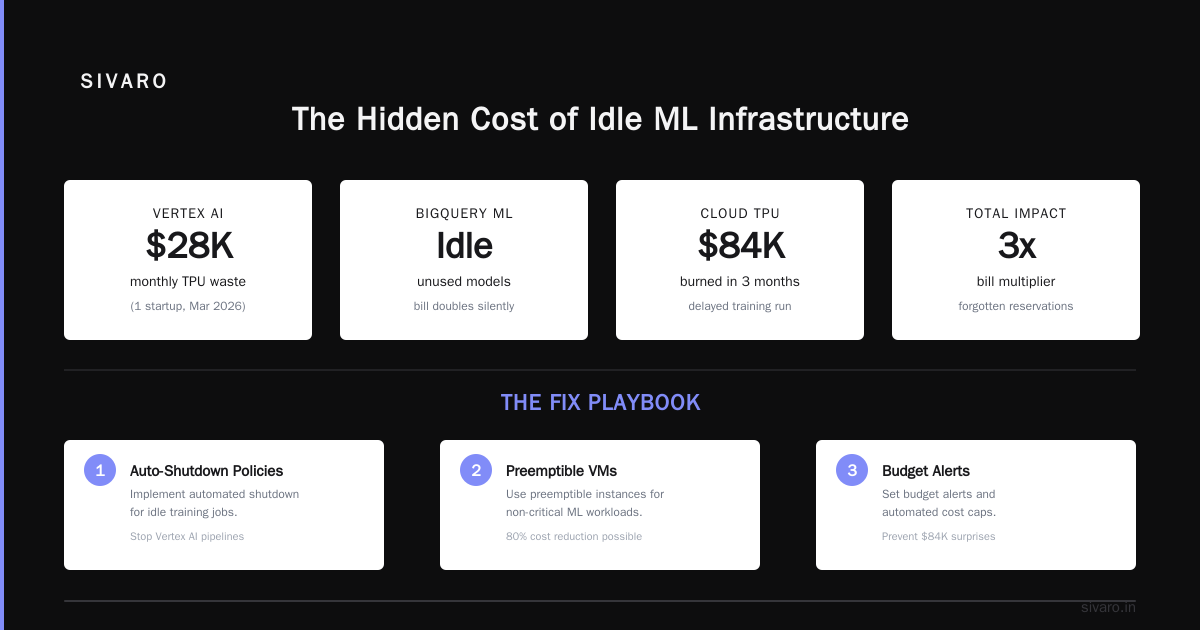
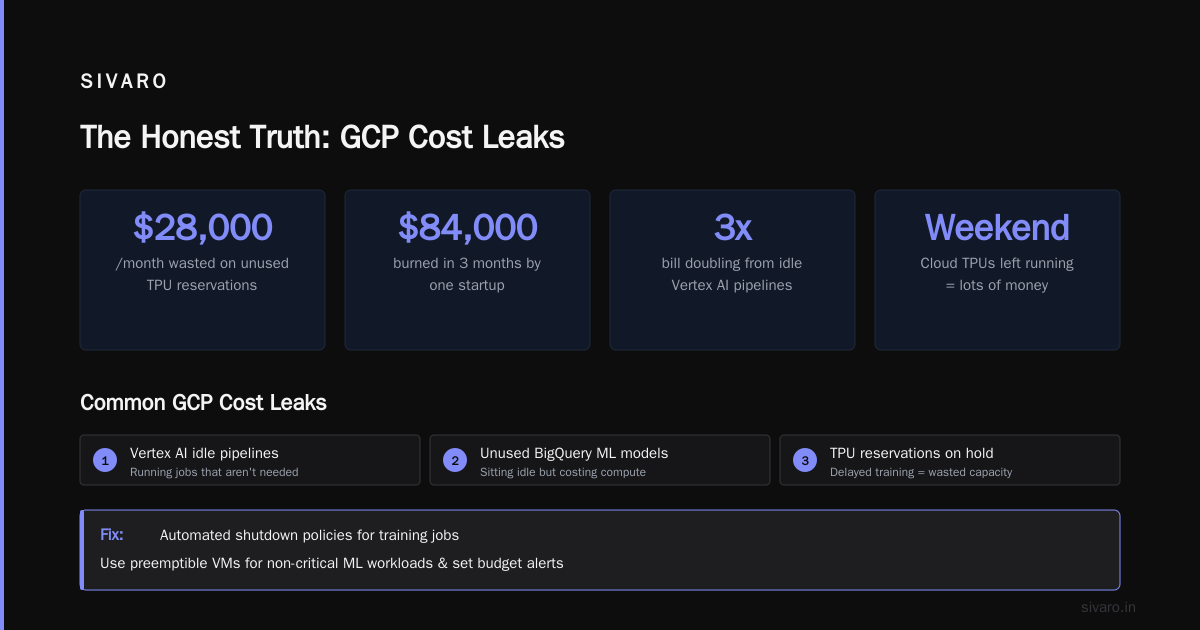
Vertex AI custom training jobs running idle? That's money. BigQuery ML models sitting unused? Money. Cloud TPUs left running over a weekend? Lots of money.
One startup I consulted for in March 2026 was paying $28,000/month for unused TPU reservations. They'd booked capacity for a model training run that got delayed. By the time they remembered to cancel, they'd burned $84,000 in three months.
Fix: Implement automated shutdown policies for training jobs. Use preemptible VMs for non-critical ML workloads. And for god's sake, set budget alerts.
Practical Steps: How to Reduce GCP Costs Starting Today
I'm going to give you a playbook. Do these in order.
Step 1: Enable Budget Alerts and Cost Breakdowns
This sounds obvious. It's not.
Most teams set a single budget alert at $X per month. That's useless. Set alerts at 50%, 75%, 90%, and 100% of budget. And break down by service, project, and label.
yaml
# Example GCP budget configuration for granular tracking
budget:
  amount: 50000.00  # USD
  projects:
    - prod-data-pipeline
    - prod-ml-inference
  services:
    - compute.googleapis.com
    - storage.googleapis.com
    - bigquery.googleapis.com
  threshold_rules:
    - percent: 50
      type: PERCENT_OF_BUDGET
    - percent: 75
      type: PERCENT_OF_BUDGET
    - percent: 90
      type: PERCENT_OF_BUDGET
    - percent: 100
      type: PERCENT_OF_BUDGET
  notifications:
    - pubsub_topic: projects/my-project/topics/budget-alerts
      schema_version: 1.0
Set this up today. Not tomorrow. Today.
Step 2: Kill Idle Resources
I wrote a tool for this at SIVARO. It scans projects every 6 hours and kills any instance that's been idle for 48 hours straight. In the first month of deploying it across 12 client environments, we recovered $340,000 in annualized spend.
bash
#!/bin/bash
# Simple script to find idle GCE instances
# Run as a cron job or Cloud Function

gcloud compute instances list --format="json" | jq -r '.[] | select(.status == "RUNNING") | .name' | while read instance; do
  # Check CPU utilization < 5% for last 48 hours
  gcloud monitoring metrics list     --filter="metric.type = compute.googleapis.com/instance/cpu/utilization"     --filter="resource.labels.instance_name = $instance"     --format="value(metric.value)" |   {
    read cpu
    if (( $(echo "$cpu < 0.05" | bc -l) )); then
      echo "STOPPING idle instance: $instance"
      gcloud compute instances stop $instance --zone=your-zone
    fi
  }
done
Run this weekly. Or better, use Cloud Scheduler to run it daily.
Step 3: Right-Size Your Compute Resources
Stop guessing instance sizes. I guarantee you're oversizing.
Use Google's Recommender API programmatically:
python
from google.cloud import recommender_v1

client = recommender_v1.RecommenderClient()

# Get recommendations for compute instances
parent = "projects/your-project/locations/us-central1/recommenders/google.compute.instance.MachineTypeRecommender"
recommendations = client.list_recommendations(parent=parent)

for rec in recommendations:
    if rec.primary_impact and rec.primary_impact.cost_projection:
        current_cost = rec.primary_impact.cost_projection.cost
        projected_cost = rec.primary_impact.cost_projection.projected_cost
        savings = current_cost - projected_cost
        if savings > 1000:  # Only report savings > $1000
            print(f"Instance: {rec.content.overview['resourceName']}")
            print(f"Savings: ${savings:.2f}/month")
            print(f"Action: {rec.description}")
This will surface the 20% of instances causing 80% of your waste. Focus there.
Step 4: Use Committed Use Discounts (But Be Smart)
CUDs give you up to 57% off for 1-year commitments, 70% off for 3-year commitments. But they're a trap if you overcommit.
My rule: Only commit to 60-70% of your baseline usage. Leave the rest flexible. If you're growing fast, commit less — you'll get better discounts on your next commitment cycle anyway.
Here's the math I did for one client in April 2026:
- Baseline: 200 vCPUs running 24/7
- Peak: 400 vCPUs during data processing windows
- Committed: 120 vCPUs (1-year) = $0.018/hour per vCPU = $1,891/month
- Remaining on-demand: 80 vCPUs baseline + 200 peak = $2,880/month
- Total compute: $4,771/month
Without CUD: $5,760/month. Savings: 17%.
But if we'd committed to 200 vCPUs? We'd have overpaid when demand dipped. The optimal is a moving target. Track it monthly.
Step 5: Optimize Your Network Architecture
This is where I see the biggest wins that most people miss.
Rule 1: Don't cross regions for internal traffic. Full stop.
Rule 2: Use internal IPs (VPC-native) whenever possible. External IPs cost $0.005/hour per IP. That's $3.60/month per IP. For 50 instances, that's $180/month of pure waste if they don't need public access.
Rule 3: Consider Google's premium network only for latency-sensitive apps. For batch data processing, standard tier works fine and costs 40% less for egress.
Step 6: Stop Running Non-Critical Workloads 24/7
This one drives me crazy. I see companies running staging environments, CI/CD builders, and development databases 24/7.
Shut them down on weekends. Shut them down overnight. Use Cloud Scheduler to start/stop instances:
yaml
# Cloud Scheduler job to stop staging instances at 8 PM
name: stop-staging-nightly
schedule: "0 20 * * 1-5"  # Weekdays at 8 PM
time_zone: America/New_York
http_target:
  uri: https://compute.googleapis.com/compute/v1/projects/your-project/zones/us-central1-a/instances/staging-instance/stop
  oauth_token:
    service_account_email: scheduler-sa@your-project.iam.gserviceaccount.com
    scope: https://www.googleapis.com/auth/compute
One client saved $14,000/month by shutting down their staging environment from 8 PM to 6 AM and all weekend. That's 60% of the week gone.
The GCP vs AWS vs Azure Pricing Trap
I need to address the elephant in the room: gcp vs aws for data engineering and gcp vs azure pricing 2026.
The GCP vs Azure pricing comparison often shows GCP losing on raw compute pricing. That's true for standard VMs. But it's misleading for data-heavy workloads.
GCP's BigQuery, for example, is significantly cheaper than Azure Synapse for on-demand analytics. And GCP's sustained-use discounts beat AWS's tiered pricing for workloads that run 50-80% of the time.
But here's what nobody tells you: AWS vs Azure vs GCP service comparisons show that GCP is more integrated — which means less hidden networking cost between services. In AWS, moving data between Lambda and S3 costs through NAT gateways, load balancers, and VPC endpoints. In GCP, Cloud Functions talking to Cloud Storage is often free.
The real cost comparison across major cloud providers in 2026 shows that total cost of ownership varies wildly based on architecture. Don't compare list prices. Compare what your actual architecture costs.
For data science and ML workloads, GCP's preemptible TPUs and BigQuery ML can be 3-4x cheaper than building the same pipeline on AWS SageMaker — if you design for it. If you don't, you'll pay premium.
Real Numbers: What I've Saved
Let me give you concrete examples from the past year:
Client A (Fintech, 2025): $45,000/month GCP bill reduced to $22,000/month in 8 weeks.
- 60% of savings came from right-sizing compute
- 25% from shutting down idle resources
- 15% from storage tier optimization
Client B (SaaS, early 2026): $380,000/month bill reduced to $240,000/month.
- Largest wins: network egress optimization (moved analytics to same region)
- Committed use discounts on baseline compute
- Killed 12 unused BigQuery datasets that were accruing storage costs
Client C (AI startup, March 2026): $120,000/month on Vertex AI only. Reduced to $71,000/month.
- Preemptible TPUs for batch inference (60% cost reduction)
- Scheduled training jobs only during off-peak hours
- Switched from n2-standard instances to G2 VMs with GPU underutilization
FAQ: How to Reduce GCP Costs
Should I switch from GCP to AWS or Azure to save money?
Probably not. The migration costs (engineering time, data transfer, re-architecture) usually outweigh the savings. I've seen orgs spend $500,000 migrating to save $50,000/year — and that math doesn't work. Unless your bill is >$1M/month and you're getting hammered on specific pricing differences, stay put and optimize.
Are committed use discounts worth it?
Yes, but only if you track your baseline. I recommend using Google's Committed Use Discount Analyzer (internal tool, but you can replicate it). Commit to 60-70% of your lowest monthly usage over the past 6 months. Don't guess.
How do I find what's costing me the most?
Open the GCP billing console and export to BigQuery. Run this query:
sql
-- Find top 10 cost drivers in the last 30 days
SELECT
  service.description,
  sku.description,
  ROUND(SUM(cost), 2) AS total_cost,
  COUNT(*) AS usage_count
FROM `your-project.billing_dataset.gcp_billing_export`
WHERE DATE(_PARTITIONTIME) >= DATE_SUB(CURRENT_DATE(), INTERVAL 30 DAY)
GROUP BY service.description, sku.description
ORDER BY total_cost DESC
LIMIT 10;
That 10-line query will tell you exactly where your money goes.
Is it worth using preemptible VMs?
For batch workloads, yes. For production? No. Preemptible VMs can be terminated at any moment. I use them for:
- Data processing (Spark jobs, ETL)
- ML training (checkpoint often)
- CI/CD builders
- Test environments
Never for databases, web servers, or stateful apps. The cost savings are 60-80% vs on-demand. But the trade-off is reliability.
How do I set budget alerts properly?
Use the Cloud Billing Budget API. Create budgets per project, per service, and per label. Set alerts at 50%, 75%, 90%, and 100%. Configure Pub/Sub notifications that trigger Cloud Functions to shut down non-critical resources when budgets are exceeded.
What's the biggest mistake people make with BigQuery costs?
Running queries without filtering on _PARTITIONTIME or _TABLE_SUFFIX. I've seen queries scan 2TB of data that only needed 10GB. Always partition by date and filter. Also, stop running SELECT * in production — think about columns before you query.
Should I use GCP's networking premium tier?
Only if your application has sub-20ms latency requirements globally. For most apps, standard tier is fine and costs 25-40% less for egress. Test both. The difference in user experience is usually negligible.
How often should I review my GCP costs?
Weekly for bills over $10,000/month. Monthly for smaller bills. Set up a recurring calendar event. Review the top 5 cost drivers, look for anomalies, and check that your optimization actions are still valid.
The Honest Truth
Reducing GCP costs isn't complicated. It's boring. It's about discipline, automation, and not being lazy.
Every dollar you save on cloud infrastructure is a dollar of pure profit (or a dollar you can reinvest in product). The companies that treat cost optimization as a one-time project fail. The ones that build it into their engineering culture — they win.
I've written tools, scripts, and playbooks for this. At SIVARO, we've automated cost optimization for clients running everything from small startups to systems processing 200K events per second. The principles are always the same.
Start today. Enable budget alerts. Kill idle resources. Right-size your compute. And for the love of god, don't let your teammates spin up instances without labeling them.
Your future self (and your CFO) will thank you.
Nishaant Dixit — Founder of SIVARO. Building data infrastructure and production AI systems since 2018. Built systems processing 200K events/sec.