 SIVARO
How to Learn GCP as a Beginner in 2026: A Practitioner's Guide
I remember my first cloud bill. Not the small one. The one that made me cancel a credit card. I was learning AWS the way most people do — follow a tutorial, spin up a bunch of services, forget to shut them down. Two weeks later, $1,200. For a pet project that wasn't even running.
When I started learning Google Cloud Platform (GCP) later, I did it differently. I had to. SIVARO was young, cash was tight, and I couldn't afford another screw-up. I learned GCP as a beginner not by memorizing white papers, but by building real things, making real mistakes, and understanding where GCP actually shines versus where it doesn't.
This guide is what I wish someone had handed me in 2019. It's not a list of every GCP service. It's a practical path from zero to shipping production workloads on Google Cloud — without getting a surprise bill or burning out.
Why GCP, Not AWS or Azure
Most people start with AWS because everyone else does. That's a bad reason.
I've tested all three clouds extensively at SIVARO — we run data pipelines that process 200K events per second, and we've tried every major provider. Here's my take:
GCP wins on data infrastructure and AI/ML by a wide margin. Comparing AWS, Azure, and GCP for Startups in 2026 confirms what we've seen: GCP's BigQuery, Dataflow, and Vertex AI are still the strongest integrated stack for analytics and machine learning. If you're building anything data-heavy — and you probably are — GCP simplifies your life.
It also wins on pricing sanity. Cloud Pricing Comparison: AWS, Azure, GCP shows GCP tends to be cheaper for sustained workloads thanks to committed use discounts and per-second billing (AWS still bills per hour in many cases). For a beginner, that means smaller surprises.
But it loses on managed services breadth. AWS vs Azure vs Google Cloud points out that GCP has fewer enterprise middleware options. If you need obscure stuff like a dedicated ERP platform, go elsewhere.
My contrarian take? Learn GCP first, not AWS. It's harder to unlearn bad habits than to learn good ones. GCP forces you to think about architecture before clicking buttons — and that skill is portable.
The #1 Mistake Beginners Make
Most people try to learn GCP by taking a certification course. They memorize service names, pass the exam, and then can't deploy a three-tier app without panic.
Don't do that.
I hired a dozen cloud engineers at SIVARO over the past three years. The ones who shine aren't the ones with five certs. They're the ones who can tell you: "I broke production three times last year, and here's what I learned."
So skip the certification for now. Instead, build something that hurts when it breaks.
Your First 30 Days: The Minimal Viable GCP
Week 1 — The Foundation
Create a Google Cloud account. They give you $300 in free credits — use them wisely. Don't click "Enable all APIs."
Learn three commands:
bash
gcloud auth login
gcloud config set project my-project-id
gcloud compute instances create my-vm --zone=us-central1-a --machine-type=e2-micro
That's it. Log in, set your project, create a tiny VM. Then SSH into it and touch the filesystem. You're now running on Google's network. Feel the power. Then delete it:
bash
gcloud compute instances delete my-vm --zone=us-central1-a --quiet
Why delete? Because cost awareness is a skill. If you don't practice deleting things, you'll get an expensive surprise.
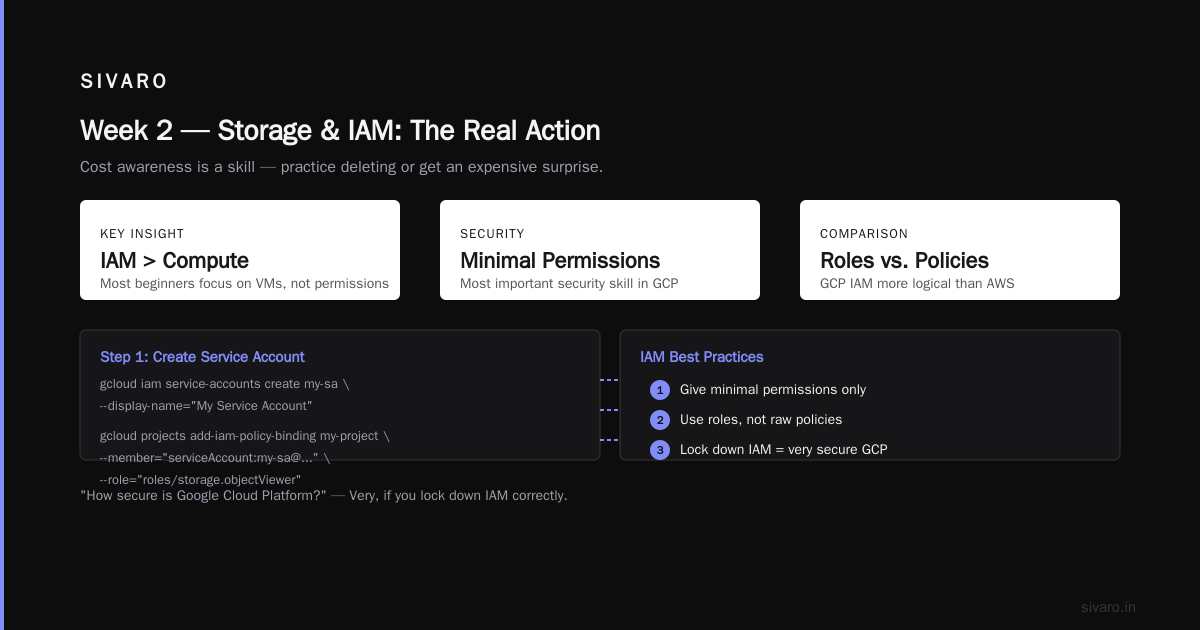
Week 2 — Storage and IAM
Everyone talks about Compute. The real action is in IAM and storage.
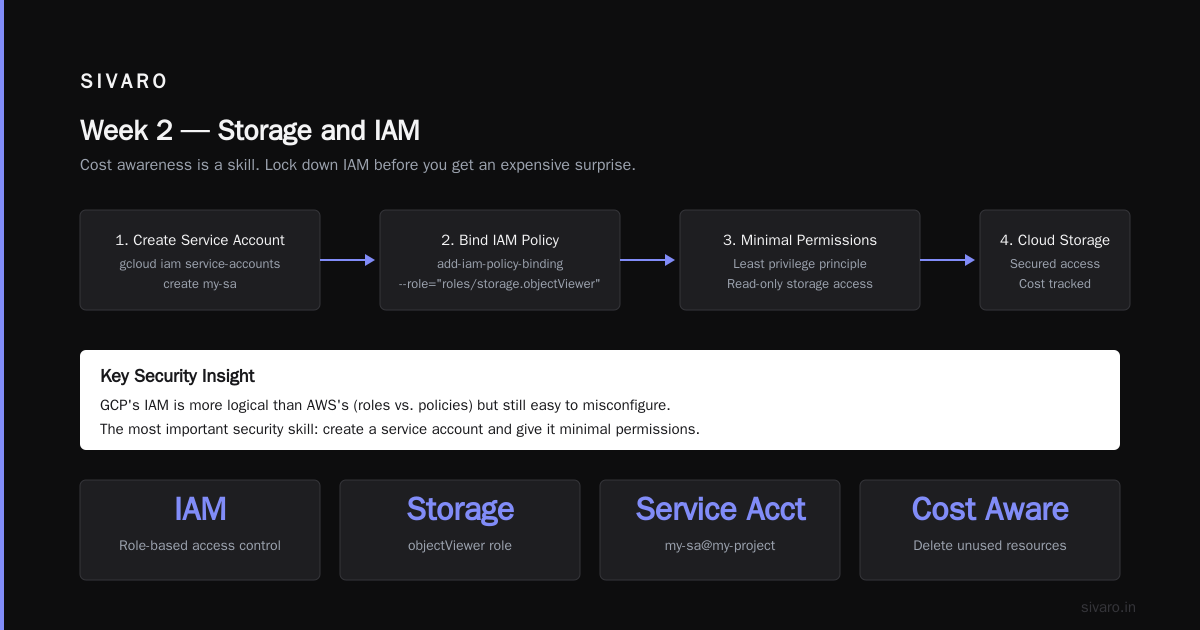
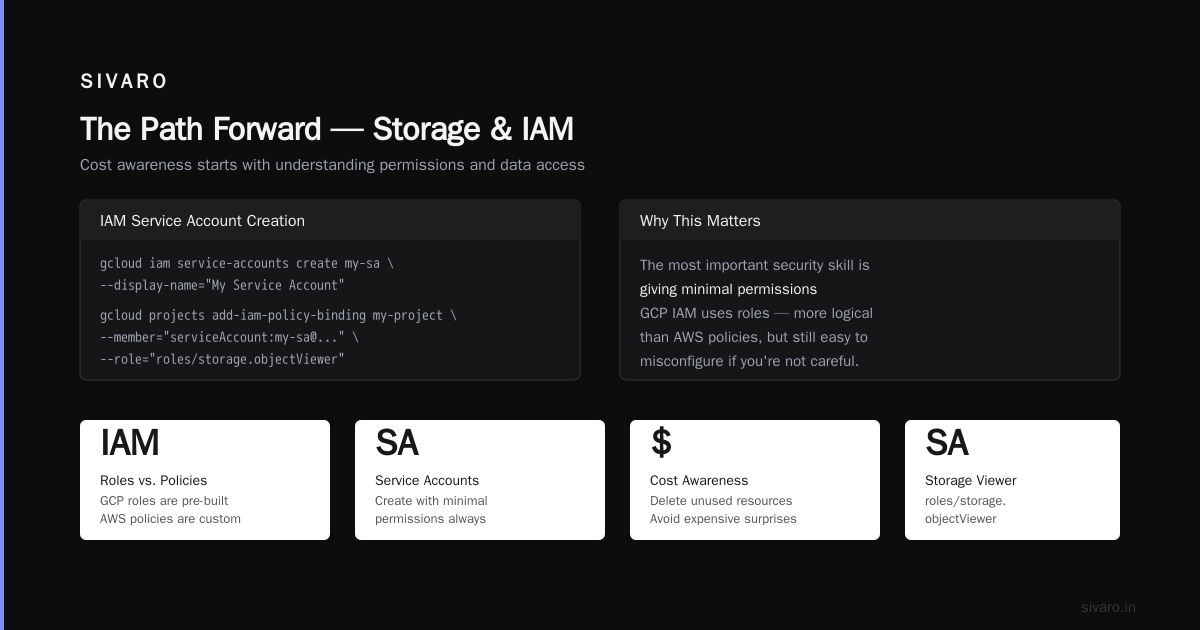
Learn how to create a service account. Give it minimal permissions. That's the most important security skill. Many beginners think "how secure is google cloud platform" — answer: very, if you lock down IAM. GCP's IAM is more logical than AWS's (roles vs. policies) but still easy to misconfigure.
bash
gcloud iam service-accounts create my-sa --display-name="My Service Account"
gcloud projects add-iam-policy-binding my-project     --member="serviceAccount:my-sa@my-project.iam.gserviceaccount.com"     --role="roles/storage.objectViewer"
Now create a Cloud Storage bucket, upload a file, and access it via the service account. This is the pattern you'll use for 90% of integrations.
bash
gsutil mb gs://my-first-bucket-2026
echo "hello gcp" > test.txt
gsutil cp test.txt gs://my-first-bucket-2026/
gsutil cat gs://my-first-bucket-2026/test.txt
You've now done IAM + storage. That's the backbone.
Week 3 — Serverless
Don't waste time managing VMs. Learn Cloud Functions.
python
import functions_framework

@functions_framework.http
def hello_http(request):
    name = request.args.get('name', 'World')
    return f'Hello {name}!'
Deploy with:
bash
gcloud functions deploy hello-world     --runtime python312     --trigger-http     --allow-unauthenticated
This is where cloud computing clicks. No servers. No SSH. Just code, trigger, scale.
Week 4 — Data Pipeline
GCP's killer app is data. Learn to move data from Cloud Storage into BigQuery.
python
from google.cloud import bigquery

client = bigquery.Client()
query = """
    SELECT COUNT(*) as total_rows
    FROM `bigquery-public-data.samples.gsod`
    WHERE year = 2024
"""
results = client.query(query)
for row in results:
    print(row.total_rows)
This is the simplest BigQuery query you'll ever run. But it teaches you the pattern: cloud storage → data warehouse → query. That pattern runs the modern data stack.
The Three Projects That Actually Teach You GCP
You learn by building. Here are three projects, in order of difficulty.
Project 1: Automated Screenshot Service
Create a Cloud Function that receives a URL, takes a screenshot using Puppeteer (deployed on Cloud Run), saves it to Cloud Storage, and returns the URL. You'll learn: Cloud Functions, Cloud Run, Pub/Sub (if async), IAM between services.
Project 2: Real-Time Chat App
Use Firestore (GCP's NoSQL database) as backend. Cloud Run for the API. Firestore triggers for notifications. You'll learn: Firestore security rules, real-time listeners, serverless scaling.
Project 3: Data Warehouse for Your Personal Finance
Connect a Google Sheet to BigQuery via a scheduled Cloud Function. Load transaction data, run queries for monthly spending trends, visualize in Looker Studio (free). This teaches: ETL patterns, scheduling, data modeling.
Each project should take you 3-5 evenings. If you complete all three, you're ahead of 90% of people who "learned GCP" on YouTube.
Cost Management: The Skill Nobody Teaches
Beginners don't think about cost because they have free credits. Free credits run out. Then the bill arrives.
GCP has a few sharp edges:
- Network egress can kill you. Moving data out of GCP to other clouds costs money. Moving data between GCP regions costs money. Cloud Pricing Comparison 2026: AWS, Azure, GCP, Oracle shows GCP egress is competitive but not free.
- BigQuery storage is cheap. BigQuery query cost is not. If you scan a petabyte of data on accident, that's real money.
- Persistent disks on Compute Engine keep costing even when VM is stopped. Delete disks separately.
Set up budget alerts on day one.
bash
gcloud billing budgets create     --billing-account=XXXXXX-XXXXXX-XXXXXX     --display-name="My Budget"     --budget-amount=100     --threshold-rules=percent=50,percent=90
GCP will email you when you hit 50% and 90% of your budget. Do this before you build anything.
The Services You Should (and Shouldn't) Learn
Learn these:
- BigQuery — data warehouse, unmatched for analytics SQL workloads
- Cloud Storage — object storage, S3 competitor
- Cloud Run — serverless containers, cheapest way to run APIs
- Cloud Functions — lightweight event-driven compute
- Firestore — serverless NoSQL, great for mobile/web apps
- Pub/Sub — message queue, essential for decoupling services
- Dataflow — stream/batch processing (Apache Beam), production-grade ETL
- Vertex AI — managed ML platform, from AutoML to custom training
Skip these until you have a real need:
- App Engine — legacy. Use Cloud Run instead.
- Kubernetes Engine (GKE) — powerful but complex. Not for beginners. Learn Kubernetes elsewhere first.
- Compute Engine — only if you can't run serverless. Use it for learning Linux, not for running production apps.
- Cloud SQL — fine, but consider Cloud Spanner if you need global scale, or just use Firestore for simplicity.
How to Keep Learning Without Burning Out
Learning GCP feels overwhelming because there's too many services. I know — I've seen the Compare AWS and Azure services to Google Cloud page. It's a wall of links.
My rule: learn the service when you have a problem it solves. Not before.
When you hit a real wall — "my Cloud Function needs to process a large file" — that's when you learn Dataflow or Cloud Storage triggers. Not in a tutorial.
Also: use the free tier aggressively. GCP has an always-free tier that includes limited instances, Cloud Functions, BigQuery (1 TB/month), and more. Abuse it for learning.
The "GCP Alternative to Mechanical Turk" Question
I get asked: what's the GCP alternative to Mechanical Turk? Short answer — there isn't a direct managed service. GCP doesn't run a crowdsourcing marketplace. The alternative is Vertex AI's human-in-the-loop features for data labeling, or building your own pipeline using Cloud Tasks + external APIs. For most use cases, that's fine. You don't need a full platform.
Security: What a Beginner Needs to Know
"How secure is google cloud platform?" — very, if you follow the basics. Most GCP breaches I've seen (and I've seen a few at SIVARO) happen because of:
- Overly permissive IAM — giving a service account
roles/ownerinstead of specific role - Public buckets — leaving Cloud Storage buckets open to allUsers
- Unused credentials — service account keys lying around in source code
Do three things:
- Use workload identity federation instead of long-lived keys
- Enable VPC Service Controls for sensitive data
- Use Security Command Center (free tier) to audit vulnerabilities
That's 80% of the security posture. The rest is operational discipline.
Real-World Patterns from SIVARO
At SIVARO, we run production AI systems on GCP. Here's one pattern we use daily:
Ingest → Process → Serve
- Ingest: Cloud Functions + Pub/Sub (event-driven)
- Process: Dataflow (batch or streaming)
- Serve: BigQuery (analytics) + Cloud Run (APIs)
This pattern handles anything from real-time fraud detection to batch model inference.
Another pattern: Serverless ML inference. We deploy models on Cloud Run with GPU support (available since 2024) using TensorFlow Serving containers. It auto-scales to zero. Beautiful.
The Certification Question
Should you get certified? Only if your employer pays for it and it unlocks a promotion. Otherwise, no. Build a portfolio project instead.
That said, the Google Cloud Associate Cloud Engineer (ACE) cert is a good structure if you need a curriculum. Pair it with hands-on labs.
FAQ
Q: How long does it take to learn GCP as a complete beginner?
A: 2-3 months of focused building to be productive. 6 months to be proficient in data workloads. It depends on how many things you break.
Q: Do I need to know Linux or programming first?
A: Basic Linux (navigate directories, edit files) helps. Python is the most useful language for GCP. You can learn both simultaneously.
Q: Is GCP harder to learn than AWS?
A: For basics, GCP is easier because the console is cleaner and commands are more consistent. For advanced networking, they're equally hard.
Q: How much does it cost to learn GCP?
A: Use the $300 free credits and the always-free tier. You can learn for free for months if you're careful. My actual cost for the first 90 days: $12.47.
Q: Should I learn GCP if I want to work with AI/ML?
A: Yes. A Comparative Analysis of Cloud Computing Services confirms GCP's Vertex AI is the most integrated managed ML platform. If you're serious about ML, GCP gives you the best tools.
Q: What's the biggest mistake beginners make on GCP?
A: Leaving resources running. Always delete after testing. Set up a custom budget alert. Learn gcloud compute instances list and gcloud compute instances delete early.
Q: Is GCP good for startups?
A: Yes, especially data-heavy startups. The pricing model (sustained use discounts, per-second billing) favors variable workloads. Comparing AWS, Azure, and GCP for Startups in 2026 says GCP is strong for AI and analytics workloads.
Q: How do I practice GCP without spending money?
A: Google Cloud Skills Boost labs (formerly Qwiklabs) give temporary environments. Use them. Also, the GCP free tier includes Cloud Functions, Cloud Storage (5GB), BigQuery (1TB queries per month), and Cloud Run (2 million requests/month).
The Path Forward
You don't learn GCP by reading. You learn by doing. Deploy a Cloud Function that sends you a text message every time your favorite website changes. Build a dashboard that shows your GCP spend in BigQuery. Break something on purpose, then fix it.
That's how I learned. That's how every engineer at SIVARO learned.
The cloud changes fast. What you learn today might be outdated in two years. But the fundamentals — IAM, storage hierarchy, serverless patterns, cost awareness — will stick forever.
Start with one VM. Delete it. Then build something real.
Nishaant Dixit — Founder of SIVARO. Building data infrastructure and production AI systems since 2018. Built systems processing 200K events/sec.